
01
Define one visual event
Name the subject, its action, and the setting before adding style details.
Turn a concise creative brief into a short video concept, then generate it in ImageMake’s current video workspace.
Recent ImageMake video workflow examples
Generate 1 video · 40 credits total
Generation model: Google Veo 3.1 Fast.
Three passes from a written idea to a clip you can judge.
Name the subject, its action, and the setting before adding style details.
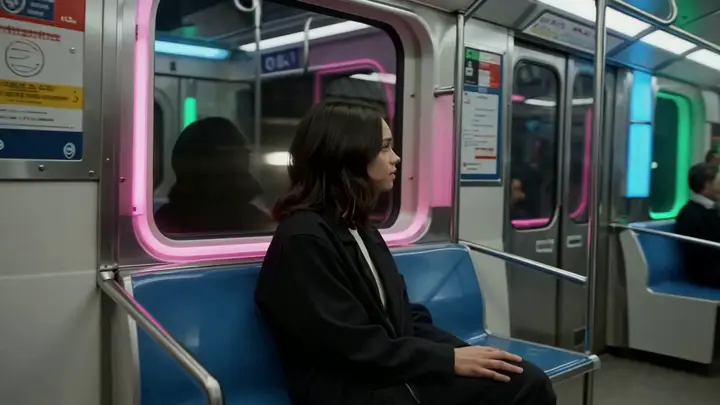
Choose one camera relationship, such as a slow push-in or side tracking shot.
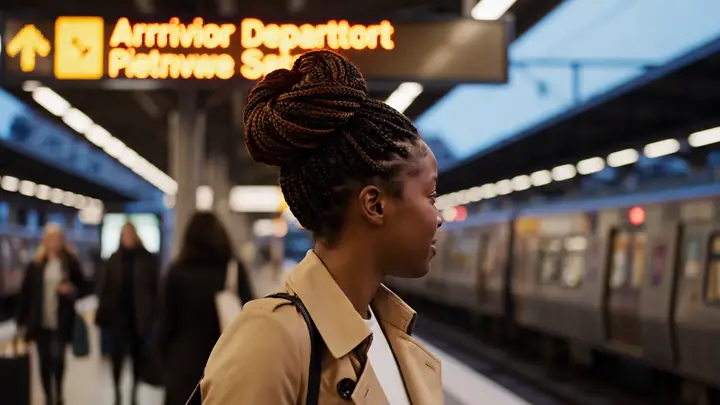
Run the prompt in the current workspace and review motion, framing, and the final hold.
Each case turns a video idea into a focused ImageMake prompt structure, paired with the clip it belongs to.
One product enters frame, completes one visible action, and holds in a clean studio setting. Keep the camera stable and the ending usable for a short edit.
Output goal: An original source clip for a separate editing workflow.
Keep the main subject and composition stable. Add one restrained gesture and a slow side camera move. Preserve the environment and finish on a clean frame.
Output goal: A controlled starting point for a reference-led concept.
Open any clip to watch it, then reuse its prompt structure in the generator above.
A premium stationery set arranges itself into a balanced overhead composition: notebook, card, pen, and envelope. Preserve typography-free surfaces, smooth object motion, soft window light and quiet paper sounds, 16:9.
A woman reads a handwritten letter in a sunlit café, pauses, and looks toward the window. Slow dolly-in, natural hand movement, consistent face and table geometry, warm room tone and restrained emotional pacing, 16:9.
A glossy scarlet sports coupe bursts out of a shadowed tunnel onto glistening city reflections, sharp forward momentum, low-angle tracking shot, wet asphalt glints, cinematic engine roar, luxury automotive commercial finish
A cyclist accelerates along a wet city lane at night. Track beside the bicycle at street level, keep wheel geometry stable, show light spray from the tires, realistic traffic reflections and a clear ending beat, 16:9.
A luxury electric SUV parked on a rain-slicked futuristic downtown street after dark, with glossy wet pavement reflections, slow dolly-in shot, cinematic headlight glow, subtle urban ambience, soft mechanical idle hum, and a polished launch-reel aesthetic
Two championship skaters accelerate into a synchronized lift and clean landing inside a bright indoor arena, smooth telephoto tracking shot with one gentle crane rise, glittering ice reflections, crowd swell, polished sports-film finish
A championship ice-dance pair crosses the rink in one uninterrupted routine. Track their synchronized footwork from rink level, preserve both faces and costumes, capture blade spray and arena ambience, then settle into a wide finishing pose, 16:9.
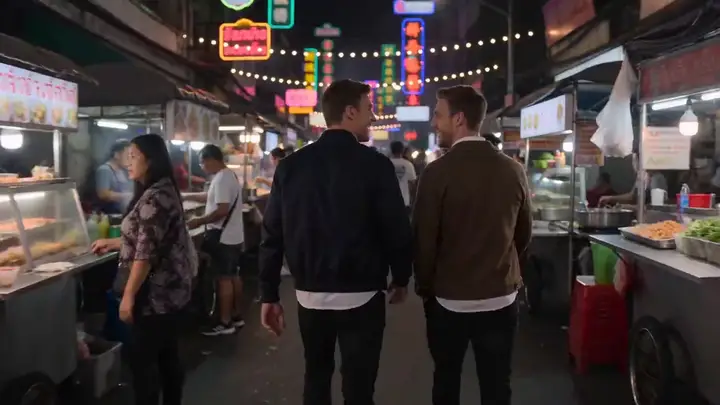
Follow two friends through a crowded night market as they weave past food stalls and glowing signs. Shoulder-height tracking shot, believable crowd reactions, warm steam, layered street ambience, natural conversational pacing, 16:9.
Every clip is an ImageMake workflow example produced with a model available in this workspace. They illustrate prompt structure, not the output of any other product.
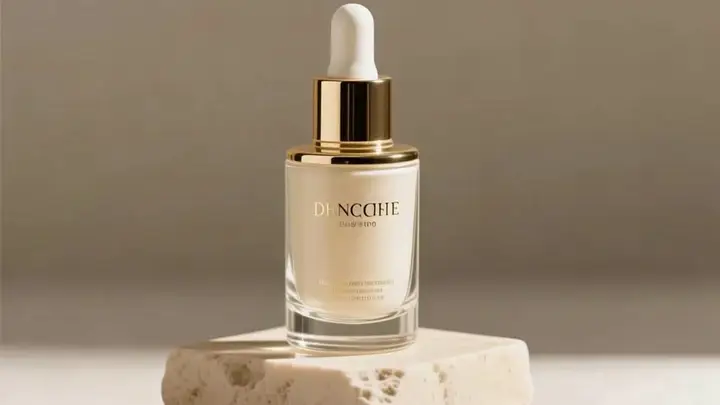
Test a short cinematic premise before expanding it into a larger edit.
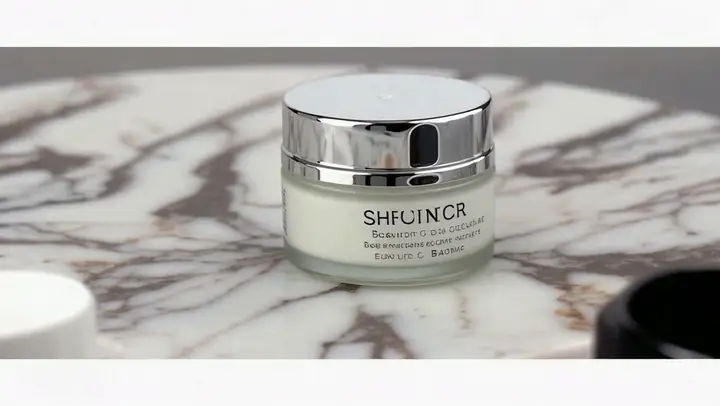
Describe one product action with controlled lighting and a usable ending frame.
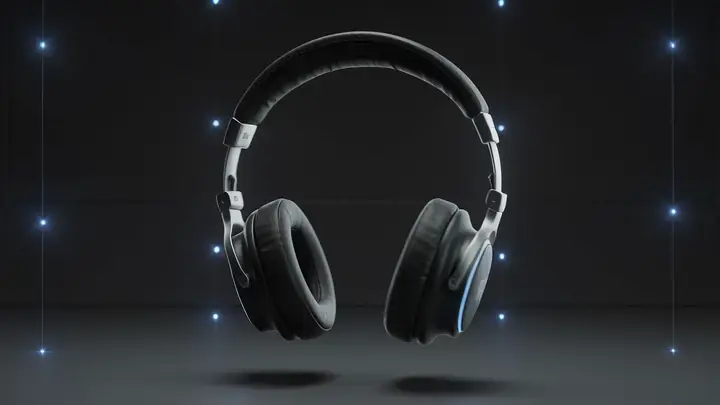
Create a compact visual beat for the opening of a vertical social cut.
Validate a single shot’s action and camera language before producing more scenes.
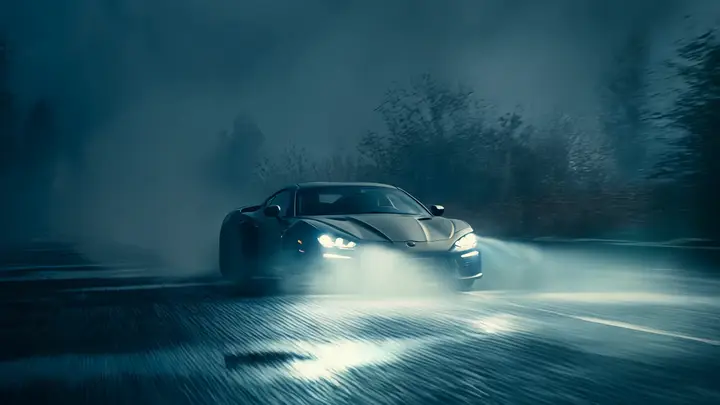
It is suited to concise text-to-video concepts that need a clear subject, movement, and camera instruction.
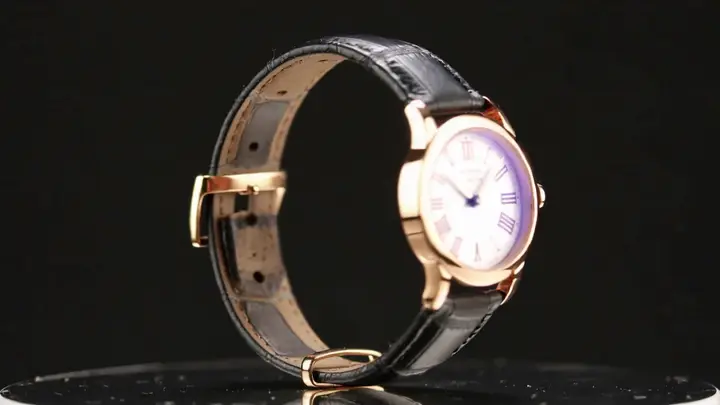
Separate the creative intent from platform-specific settings so the prompt remains easy to adapt.