
01
Write the opening hook
Describe the first visual moment and why it should catch attention.
Develop one fast social-video idea at a time, with a clear opening, controlled motion, and an ImageMake-generated source clip.
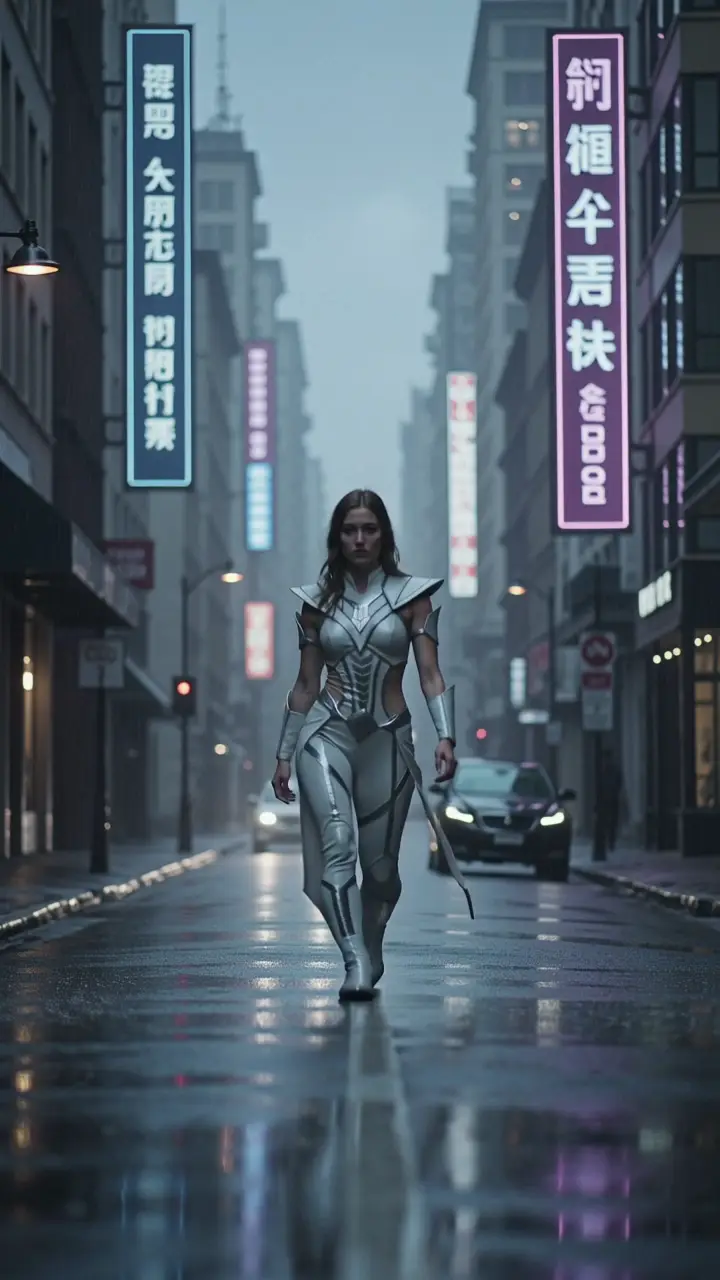
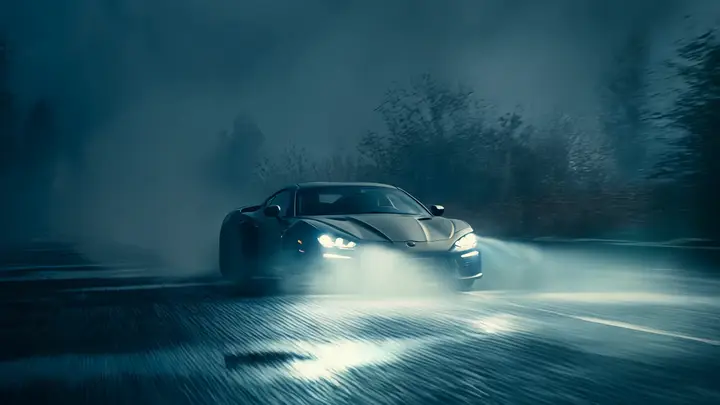
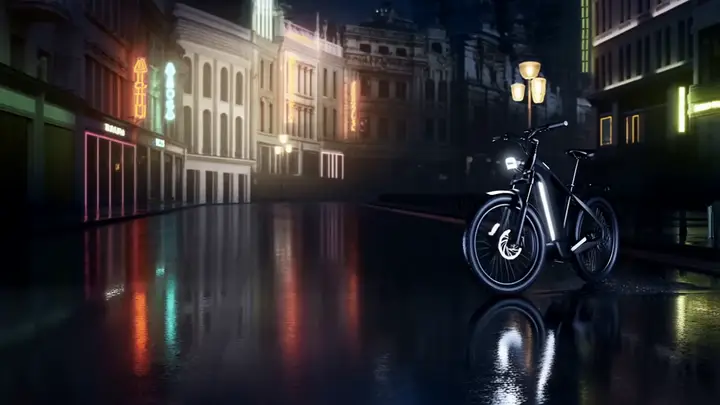
Recent ImageMake video workflow examples
Generate 1 video · 40 credits total
Generation model: Google Veo 3.1 Fast.
Three passes from a written idea to a clip you can judge.
Describe the first visual moment and why it should catch attention.
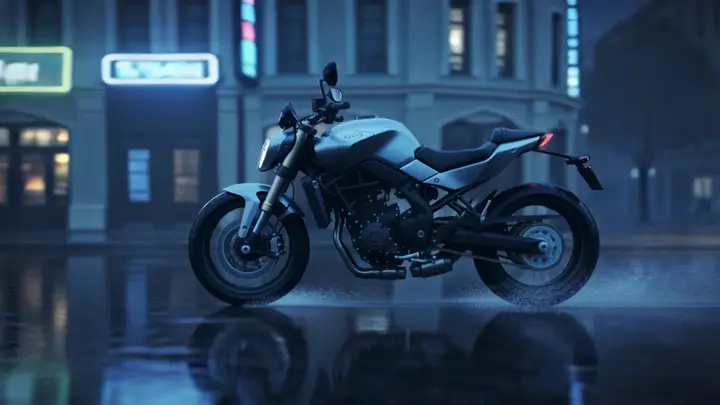
Use one subject action, one camera move, and one simple environment.
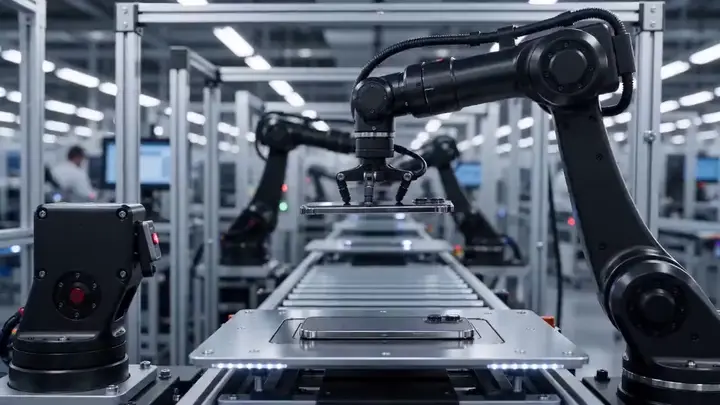
Create the source clip, review the opening and ending, then refine the prompt.
Each case turns a video idea into a focused ImageMake prompt structure, paired with the clip it belongs to.
One product enters frame, completes one visible action, and holds in a clean studio setting. Keep the camera stable and the ending usable for a short edit.
Output goal: An original source clip for a separate editing workflow.
Keep the main subject and composition stable. Add one restrained gesture and a slow side camera move. Preserve the environment and finish on a clean frame.
Output goal: A controlled starting point for a reference-led concept.
Open any clip to watch it, then reuse its prompt structure in the generator above.
A sparkling canned beverage spins on a reflective tabletop, bright studio lighting, upbeat commercial tone, concise premium promo clip
Inside a late-night subway car, a commuter steadies herself as the train changes speed. Keep her identity, coat, windows, and carriage layout stable. Gentle side tracking, fluorescent reflections, rail noise and quiet city ambience, 16:9.
Use the provided frame as your opening shot, have the street performer start moving, add brisk forward momentum, a low handheld tracking shot, neon urban reflections, cinematic social-film finishing, preserve subject identity
Follow two friends through a crowded night market as they weave past food stalls and glowing signs. Shoulder-height tracking shot, believable crowd reactions, warm steam, layered street ambience, natural conversational pacing, 16:9.
Use the provided frame as the opening shot, add a slow, controlled push-in, subtle environmental motion, preserve subject identity and premium studio framing
Animate the product reference into a luxury fragrance launch shot: bottle rises slowly from black water, controlled camera orbit, sharp glass highlights, silk fabric passes through frame, deep studio background, premium beauty campaign finish
At an airport departure hall, a traveler hears a boarding announcement, looks toward the gate, and adjusts her bag. Natural dialogue pause, stable identity, gentle push-in, layered terminal ambience and distant suitcase wheels, 16:9.
A premium stationery set arranges itself into a balanced overhead composition: notebook, card, pen, and envelope. Preserve typography-free surfaces, smooth object motion, soft window light and quiet paper sounds, 16:9.
Every clip is an ImageMake workflow example produced with a model available in this workspace. They illustrate prompt structure, not the output of any other product.
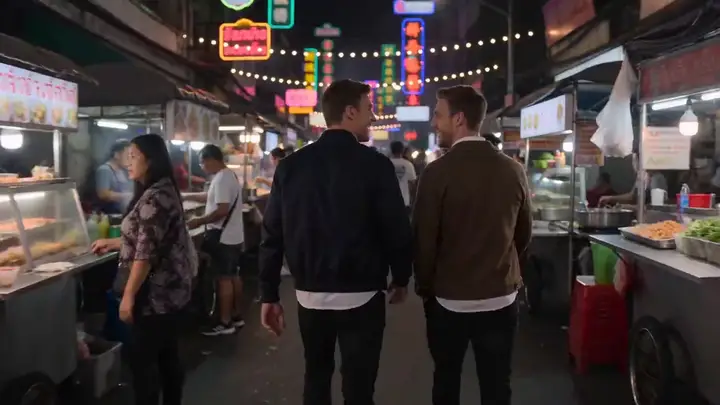
Test a first-second visual idea without adding a full sequence.
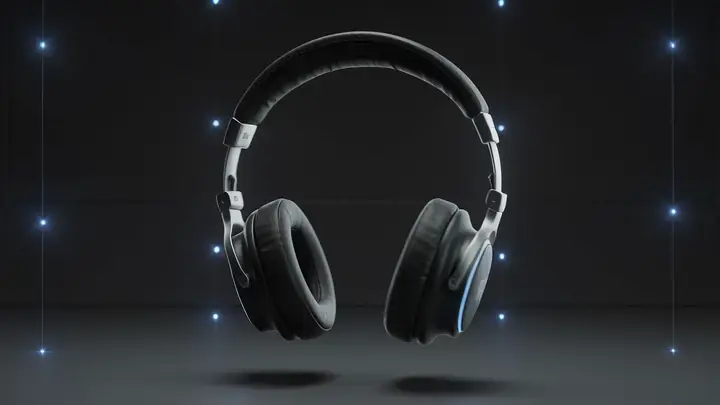
Plan one controlled reveal with a clean final hold.
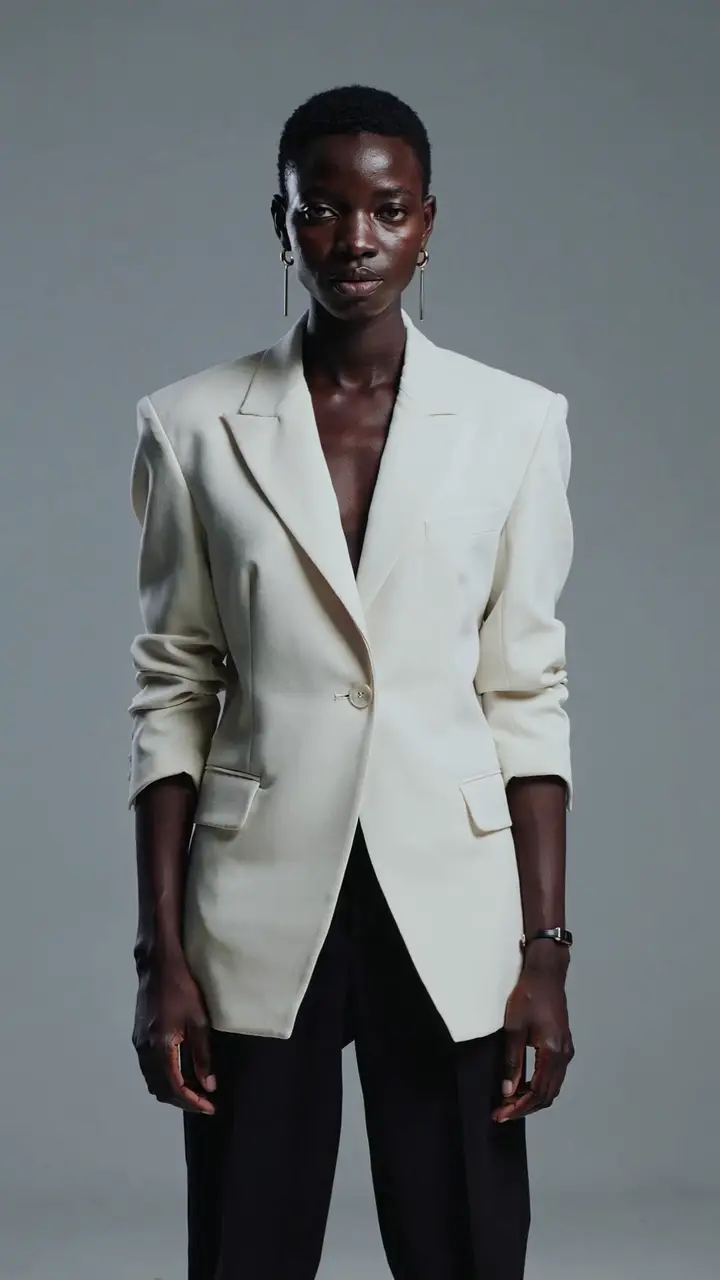
Translate a concise atmosphere into a single visual moment.
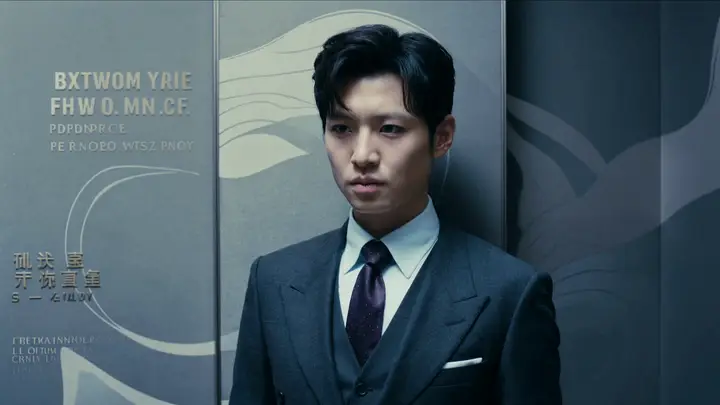
Create a small moving proof of concept for a creative discussion.
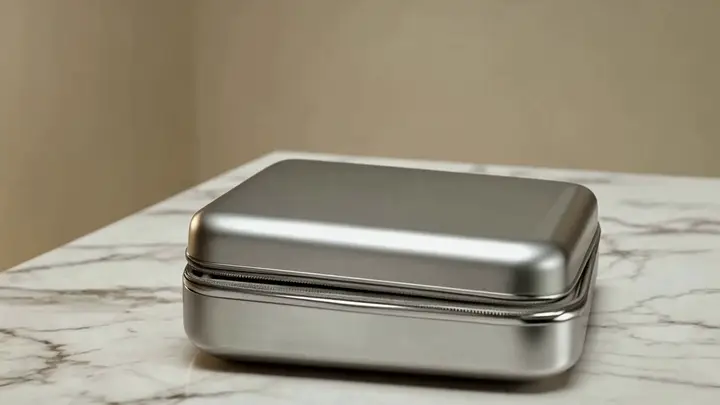
Choose it when you need to test one compact social visual before planning a wider campaign.
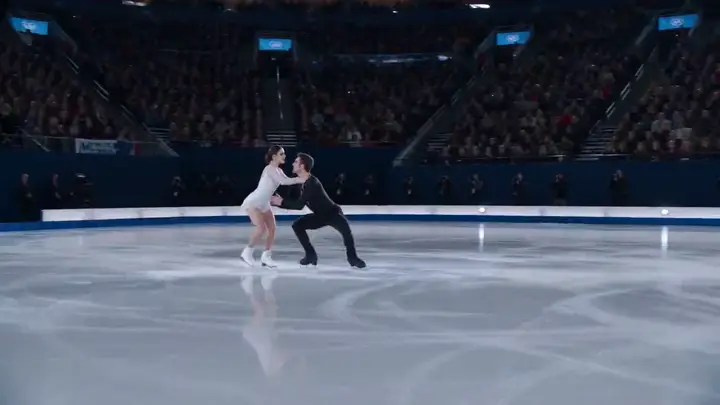
Create separate briefs when the idea needs multiple scenes, cuts, or story turns.