ImageMake
  • 생성
  • AI 이미지
    • 이미지 작업 공간 열기
    • AI로 사진 편집
    • GPT Image 2신규
    • Nano Banana신규
      • Nano Banana 2신규
      • Nano Banana Pro
      • Nano Banana Flash
    • Seedream 5.0신규
    • Flux 2
    • Qwen Image신규
      • Qwen Image 2
      • Qwen Image 3신규
    • Z-Image
  • AI 비디오
    • 비디오 작업 공간 열기
    • MiniMax H3신규
  • 도구
    • 모든 도구 보기
    • 이미지 대안
      • SeaArt AI
      • Canva AI
      • Leonardo AI
      • Lovart AI
    • 비디오 대안
      • InVideo AI
      • VEED AI
      • Vidu AI
      • DeeVid AI
      • Sora AI
      • Qwen AI Video
    • 기타 도구
      • 이미지를 Prompt로 변환
      • 배치 이미지를 Prompt로 변환
      • 비디오 향상 AI
      • AI 사진-영상
  • 가격
한국어
  • English
  • 中文
  • 日本語
  • 한국어
  • Español
  • العربية
  • 繁體中文
ImageMake
AI video workflow

VEED AI Video Generator Workflow

Plan a browser-friendly short-video brief around one visual message, then make the source clip in the ImageMake video workspace.

Recent ImageMake video workflow examples
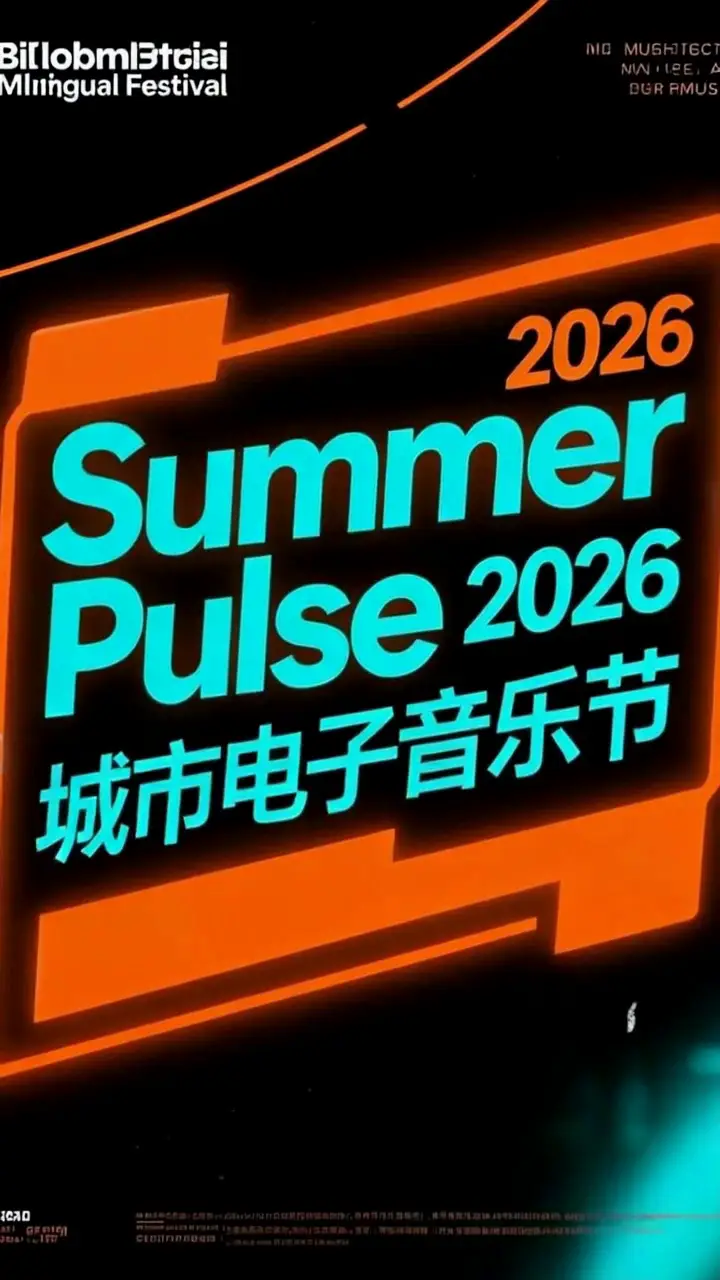
A vertical neon festival billboard showing Summer Pulse 2026 in a rainy night setting.
Poster-to-Billboard Vertical Motion Clip
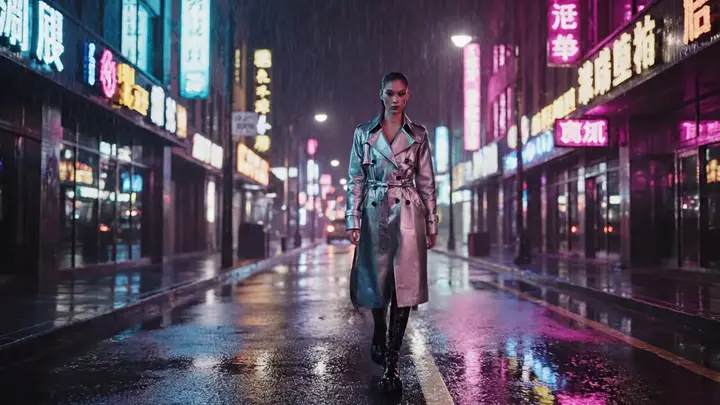
A fashion model in neon rain framed vertically in a stylized short-form Kling Turbo clip.
Quick First-Frame Iteration
A fashion still turned into a refined runway teaser with preserved framing and heavier polish.
Polished First-Frame Animation
Live ImageMake generator
텍스트를 입력하여 내용, 움직임 등을 설명해주세요. (예: 공원에서 스케이트보드를 타는 3D 소년.)

Generate 1 video · 40 credits total

Generation model: Google Veo 3.1 Fast.

Fixed reference clip: Travel case unboxing
How it works

Work the brief down to one shot.

Three passes from a written idea to a clip you can judge.

A vertical neon festival billboard showing Summer Pulse 2026 in a rainy night setting.
01

Choose one visual message

Decide what the viewer should understand by the end of the shot.
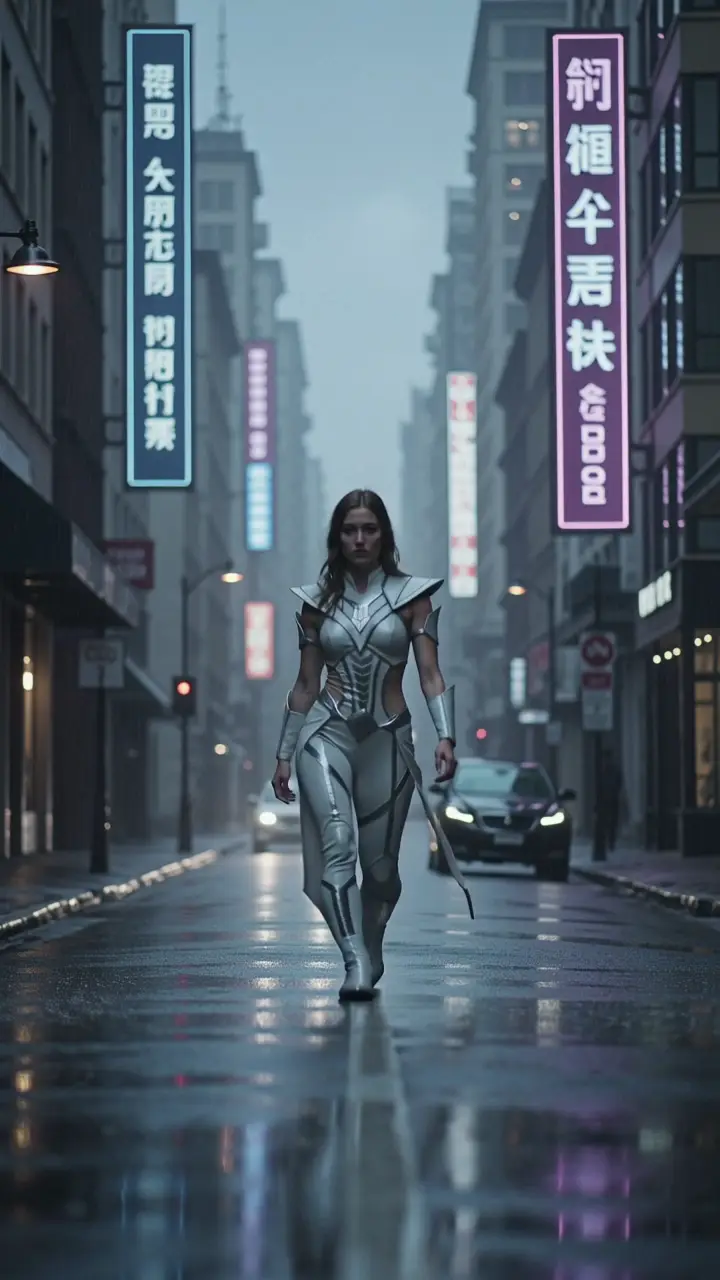
A fashion model in neon rain framed vertically in a stylized short-form Kling Turbo clip.
02

Set the frame and motion

Describe the subject, framing, one motion cue, and a stable environment.
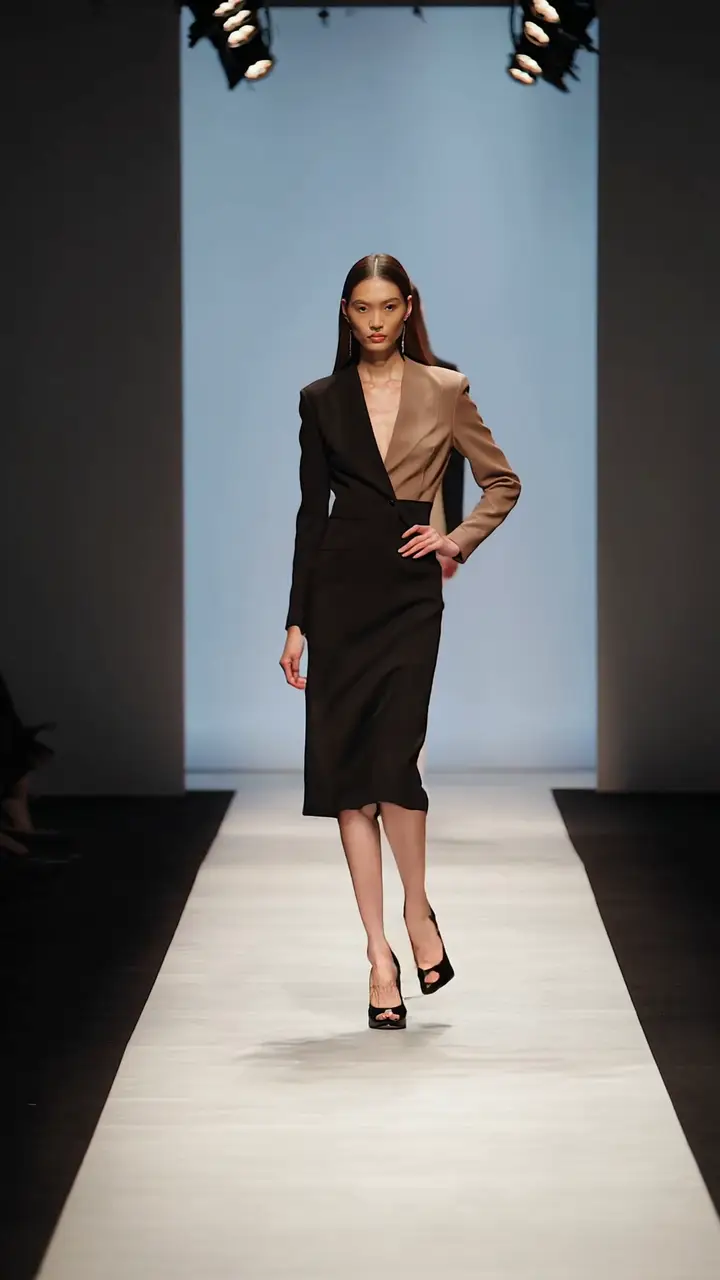
A fashion still turned into a refined runway teaser with preserved framing and heavier polish.
03

Create and review the source clip

Generate in ImageMake, then check the result before moving into a separate editing workflow.

Prompt patterns

Build from a focused shot brief.

Each case turns a video idea into a focused ImageMake prompt structure, paired with the clip it belongs to.

Script-led visual beatImageMake example

One product enters frame, completes one visible action, and holds in a clean studio setting. Keep the camera stable and the ending usable for a short edit.

Output goal: An original source clip for a separate editing workflow.

Reference-led motion briefImageMake example

Keep the main subject and composition stable. Add one restrained gesture and a slow side camera move. Preserve the environment and finish on a clean frame.

Output goal: A controlled starting point for a reference-led concept.

Shot library

See what a finished shot looks like.

Open any clip to watch it, then reuse its prompt structure in the generator above.

Video-to-video

Video-to-video rework

Use your uploaded source video as your structural foundation, keep the subject’s identity and shot sequence consistent, add polished cinematic movement, balanced contrast, and a professional ad-ready finishing aesthetic.

Image-to-video

First-Frame Fashion Preview Clip

Use the provided fashion frame as your opening shot, add a slow cinematic push-in and subtle fabric movement, retain subject identity and framing, and keep the background moody and uncluttered.

Sports product ad

Performance sneaker reveal

A black performance sneaker rises from a matte pedestal as soft light travels across the mesh and sole. Controlled product orbit, accurate laces and proportions, clean studio shadows, energetic sports-ad finish, 16:9.

First and last frame control

Controlled glass impact

A metal press descends onto a clear glass vessel in a controlled laboratory shot. Use the opening frame for geometry and the final frame for the fractured state, with physically coherent cracks and debris, 16:9.

Tabletop composition

Stationery layout

A premium stationery set arranges itself into a balanced overhead composition: notebook, card, pen, and envelope. Preserve typography-free surfaces, smooth object motion, soft window light and quiet paper sounds, 16:9.

Context-aware refinement

Rain-soaked car detail

A dark performance car emerges through heavy rain on an empty road. Recover fine reflections, droplets, grille detail, and headlight edges while preserving the original camera path and wet-night atmosphere, 16:9.

Physics and tracking

Rainy-night cyclist

A cyclist accelerates along a wet city lane at night. Track beside the bicycle at street level, keep wheel geometry stable, show light spray from the tires, realistic traffic reflections and a clear ending beat, 16:9.

API prompt template

API template for a B2B production line clip

An industrial robot arm assembles a premium smartphone body on a modern production line, precise repeated movement, measured push-in camera, LED reflections across brushed metal, conveyor motion in the background, servo whirr and clean technology ad finish

Every clip is an ImageMake workflow example produced with a model available in this workspace. They illustrate prompt structure, not the output of any other product.
Practical paths

Start with a small, visible result.

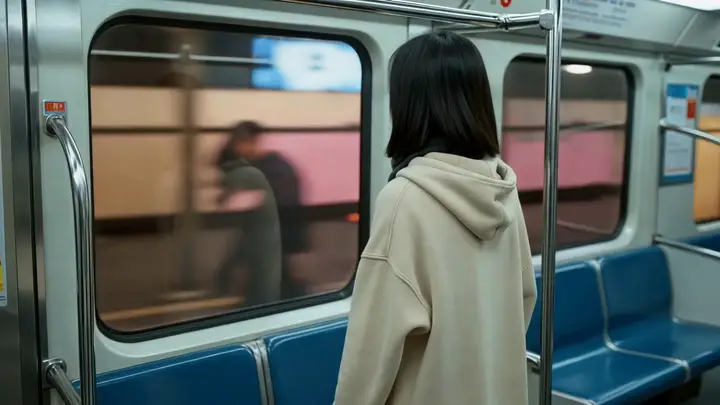
Commuter standing inside a moving subway car

Launch teaser

Create one concise visual beat for a launch idea.
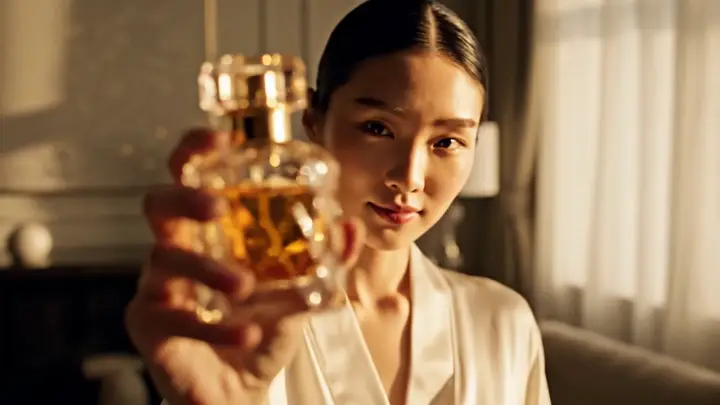
A woman holding a luxury perfume bottle near camera in a beauty campaign scene.

Product promo

Focus a prompt on a product action and clear final frame.
A red sports coupe exploding out of a tunnel into reflective city light with a premium commercial finish.

Channel intro concept

Test the visual direction of a brief opening clip.
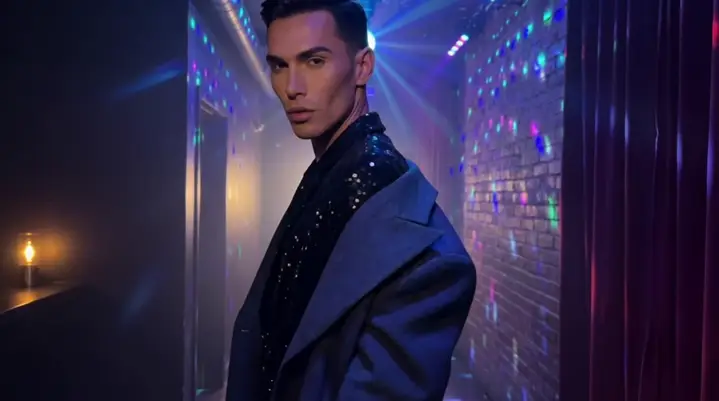
A nightclub fashion portrait turned into a subtle first-frame motion shot with preserved identity in Kling v2.1.

Creative variant review

Compare simple prompt variations before committing to an edit.
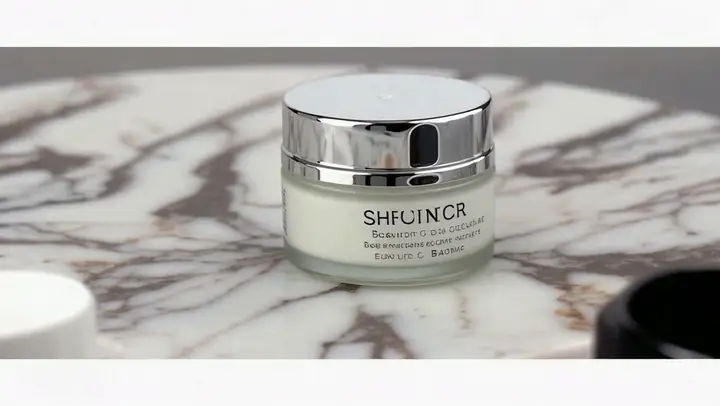
Decision guide

Choose the workflow that matches the job.

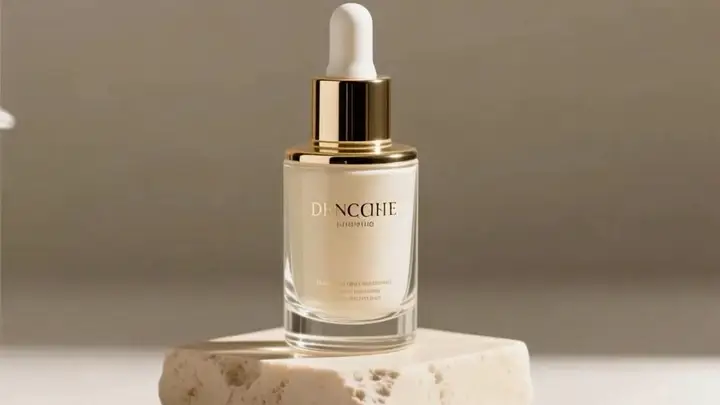
A premium skincare bottle on a marble pedestal in a polished Seedance Quality product shot.

Use ImageMake for the source clip

Choose this path when the immediate task is creating one original visual shot.
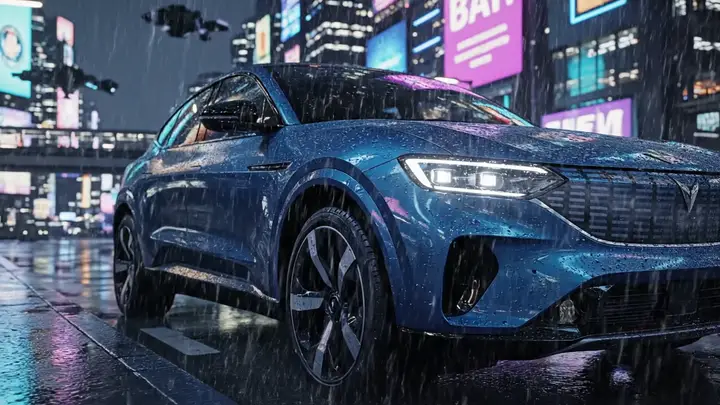
A blue electric SUV parked on a neon-lit rainy street in a cinematic launch scene.

Separate generation from editing

Use a dedicated editor after generation when your work needs assembly, captions, or delivery steps.

FAQ

Common questions

How do I structure a VEED AI-style short-video brief?

Use one subject, one action, one camera cue, and avoid competing scene changes.

What makes a short-video brief clear?

Use one subject, one action, one camera cue, and avoid competing scene changes.

Should I describe editing instructions in the prompt?

Keep the first prompt focused on the source shot; handle assembly and editing in the appropriate next tool.

How should I use the media examples?

Use them as references for pacing, framing, and prompt structure when planning your own short clip.

Next step

Create the source clip your edit is missing

Describe the one shot the timeline still needs, generate it here, and carry the result into your editor.

Open the ImageMake generatorBrowse all workflowsPlans and credits

Related ImageMake pages

InVideo AI Video Generator Workflow

Plan an InVideo AI-style script-to-video brief, then create a focused clip with the ImageMake AI Video Generator.

Deevid AI Video Generator Workflow

Use a Deevid AI-oriented social-video ideation workflow and create a compact original source clip in ImageMake.

Vidu AI Video Generator Workflow

Plan a Vidu AI-oriented reference-led motion brief and generate a focused original clip with ImageMake.

리소스
  • 생성
  • 가격
  • 이미지를 Prompt로 변환
  • 배치 이미지를 Prompt로 변환
회사 & 법률
  • 회사 소개
  • 문의
  • 개인정보 보호정책
  • 서비스 이용 약관
  • 환불 정책
AI 이미지
  • Nano Banana Pro
  • Nano Banana 2
  • GPT-4o
  • Seedream 4.5
  • Seedream 4.0
  • Flux 2 Pro
  • Flux 2
  • Qwen Image 2
  • Z-Image
  • NanoBanana Flash
  • Qwen Image 3
ImageMake

Video Watermark Remover | AI 이미지 생성 및 편집 작업 공간

[email protected]

이 웹사이트는 독립적인 제3자 플랫폼입니다. 본 사이트에서 언급된 AI 모델 제공업체와 제휴, 보증 또는 공식 대리 관계가 없습니다. 모든 상표 및 브랜드명은 해당 소유자에게 귀속됩니다.

© 2026 Video Watermark Remover. 모든 권리 보유.

개인정보 보호정책