
01
Choose one visual message
Decide what the viewer should understand by the end of the shot.
Plan a browser-friendly short-video brief around one visual message, then make the source clip in the ImageMake video workspace.
Recent ImageMake video workflow examples

Generate 1 video · 40 credits total
Generation model: Google Veo 3.1 Fast.
Three passes from a written idea to a clip you can judge.
Decide what the viewer should understand by the end of the shot.
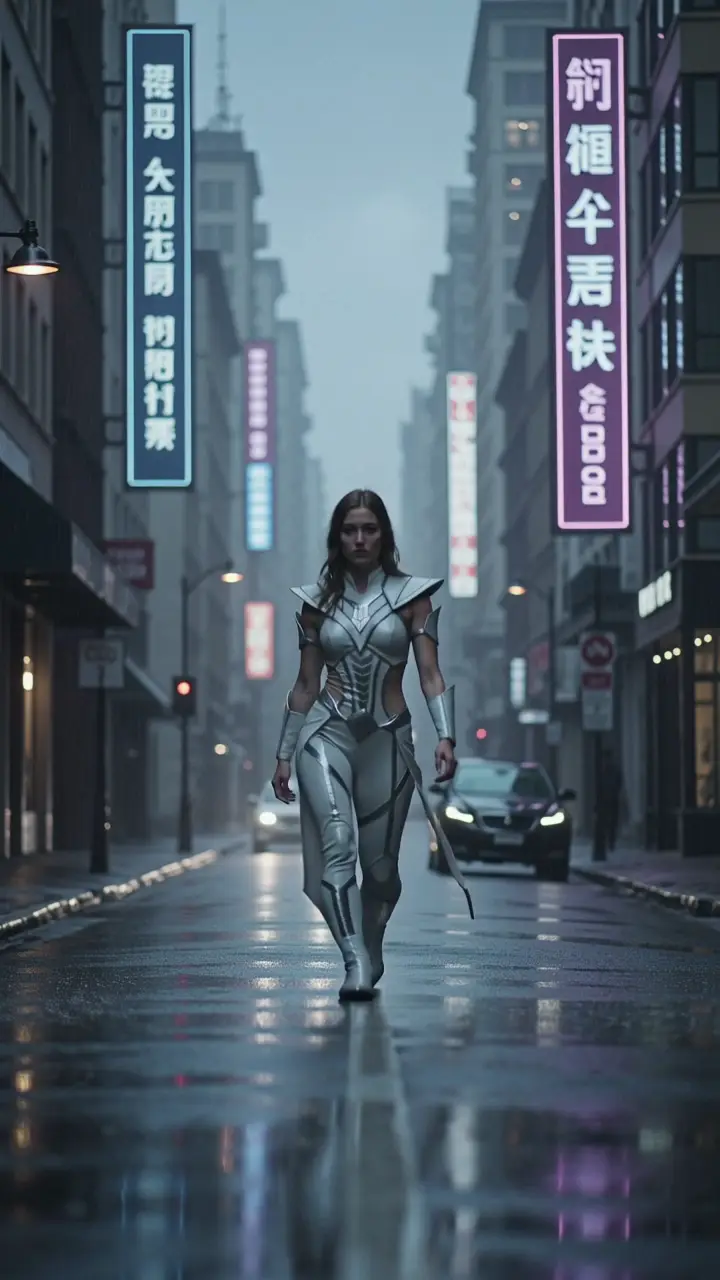
Describe the subject, framing, one motion cue, and a stable environment.
Generate in ImageMake, then check the result before moving into a separate editing workflow.
Each case turns a video idea into a focused ImageMake prompt structure, paired with the clip it belongs to.
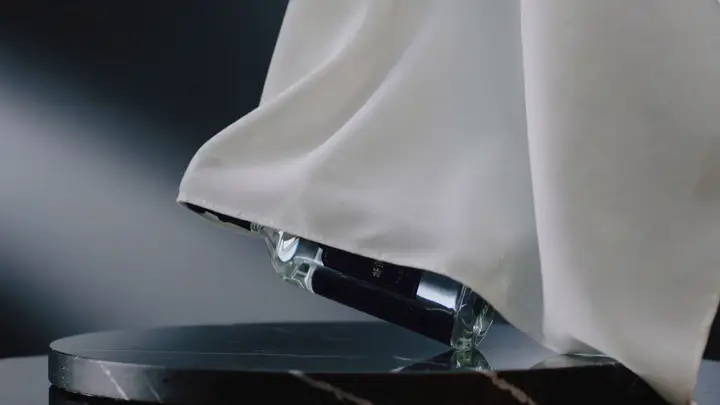
One product enters frame, completes one visible action, and holds in a clean studio setting. Keep the camera stable and the ending usable for a short edit.
Output goal: An original source clip for a separate editing workflow.
Keep the main subject and composition stable. Add one restrained gesture and a slow side camera move. Preserve the environment and finish on a clean frame.
Output goal: A controlled starting point for a reference-led concept.
Open any clip to watch it, then reuse its prompt structure in the generator above.
Use your uploaded source video as your structural foundation, keep the subject’s identity and shot sequence consistent, add polished cinematic movement, balanced contrast, and a professional ad-ready finishing aesthetic.
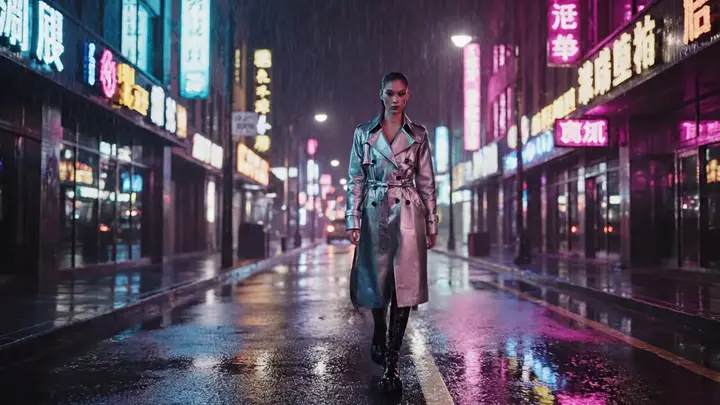
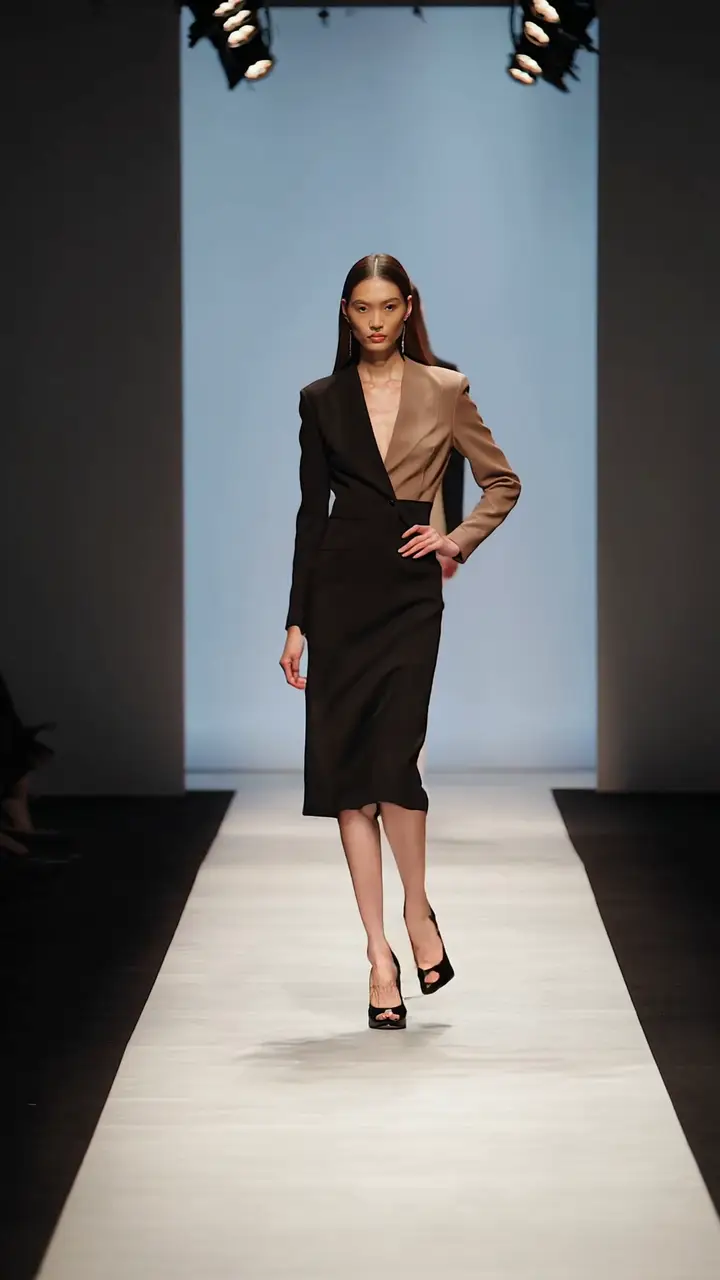
Use the provided fashion frame as your opening shot, add a slow cinematic push-in and subtle fabric movement, retain subject identity and framing, and keep the background moody and uncluttered.
A black performance sneaker rises from a matte pedestal as soft light travels across the mesh and sole. Controlled product orbit, accurate laces and proportions, clean studio shadows, energetic sports-ad finish, 16:9.
A metal press descends onto a clear glass vessel in a controlled laboratory shot. Use the opening frame for geometry and the final frame for the fractured state, with physically coherent cracks and debris, 16:9.
A premium stationery set arranges itself into a balanced overhead composition: notebook, card, pen, and envelope. Preserve typography-free surfaces, smooth object motion, soft window light and quiet paper sounds, 16:9.
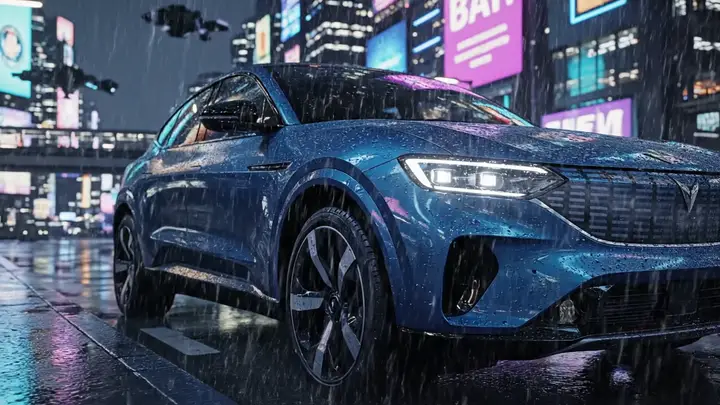
A dark performance car emerges through heavy rain on an empty road. Recover fine reflections, droplets, grille detail, and headlight edges while preserving the original camera path and wet-night atmosphere, 16:9.
A cyclist accelerates along a wet city lane at night. Track beside the bicycle at street level, keep wheel geometry stable, show light spray from the tires, realistic traffic reflections and a clear ending beat, 16:9.
An industrial robot arm assembles a premium smartphone body on a modern production line, precise repeated movement, measured push-in camera, LED reflections across brushed metal, conveyor motion in the background, servo whirr and clean technology ad finish
Every clip is an ImageMake workflow example produced with a model available in this workspace. They illustrate prompt structure, not the output of any other product.
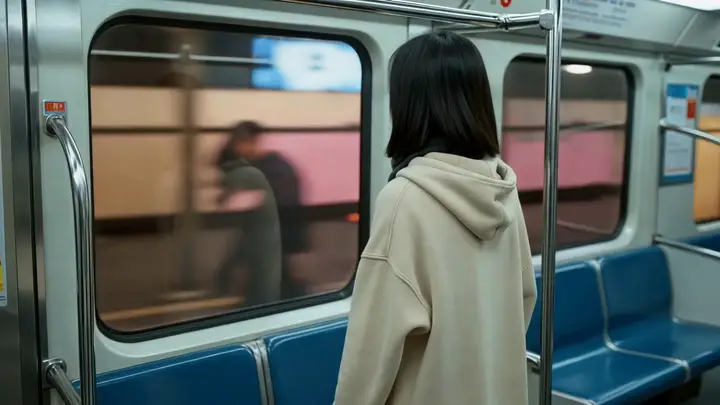
Create one concise visual beat for a launch idea.

Focus a prompt on a product action and clear final frame.
Test the visual direction of a brief opening clip.
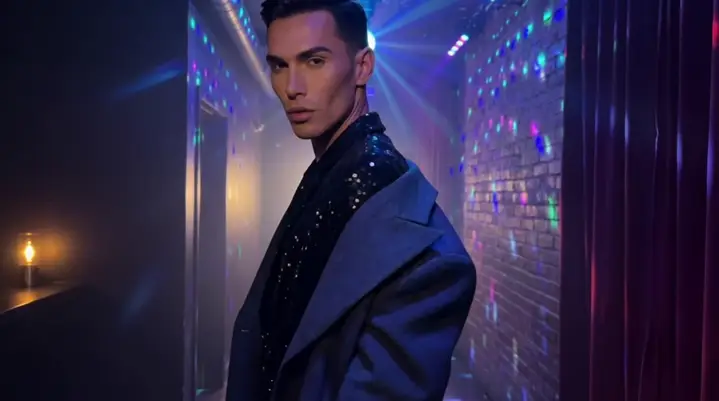
Compare simple prompt variations before committing to an edit.

Choose this path when the immediate task is creating one original visual shot.
Use a dedicated editor after generation when your work needs assembly, captions, or delivery steps.