
Upload a clear photo
Choose an image with a readable subject, clean edges, and room for the motion you want to add.
Start from one still image, protect its key composition, and describe the subject motion and camera move for a short video.
Recent ImageMake results from this workflow
The workspace is intentionally direct: supply the task input, set only controls that affect the result, and use the fixed reference as visual guidance.
Generate 1 video · 40 credits total
Generation model: Google Veo 3.1 Fast. Upload a photo as the first frame and keep the requested motion focused so the source composition remains recognizable.
Three steps, each with the kind of result it should produce.
Choose an image with a readable subject, clean edges, and room for the motion you want to add.
Specify the subject action, camera direction, and what should remain stable from the original photo.
Check identity, framing, movement, and the final hold before exporting the new video.
Each brief is shown next to the clip it belongs to, so the plan and the outcome stay together.
Preserve a clear subject, add one controlled action and one gentle camera movement, keep the background stable, and end on a clean hold.
Output goal: A reviewable new source clip.
Treat the supplied image as the opening frame. Keep the subject identity, framing, and lighting, add one short forward move, and finish on a frame that can be cut into a longer edit.
Output goal: A clip that starts from an approved still and stays on-brief.
Open any clip to watch it before deciding how to set up your own task.
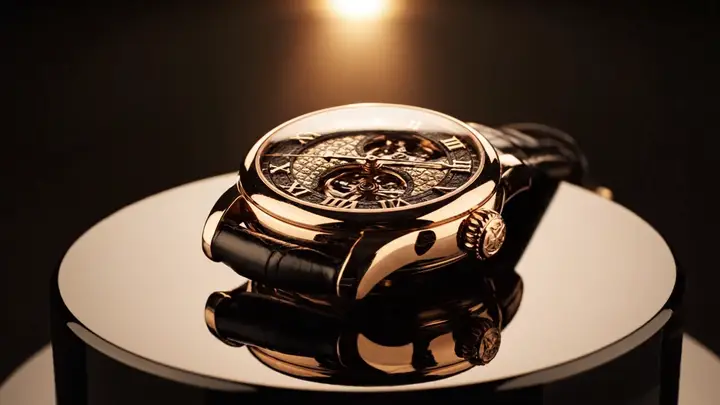
A high-end luxury watch rotates slowly within a dim studio, with a controlled arc camera movement, soft specular highlights, and a precise premium product-film finish
Use the provided frame as the opening shot, add a slow, controlled push-in, subtle environmental motion, preserve subject identity and premium studio framing
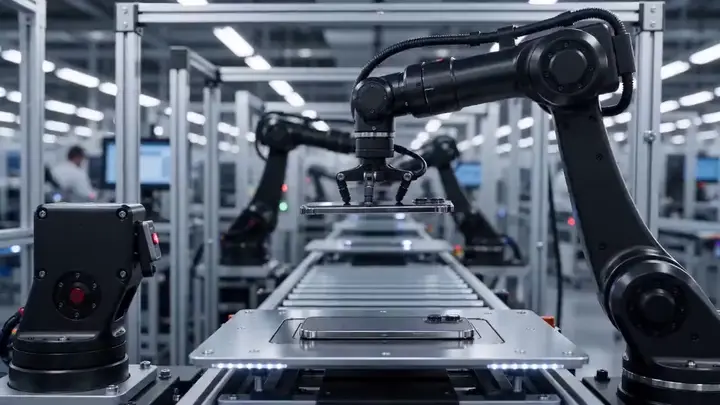
Inside a clean automated factory, two robotic arms coordinate a precision assembly cycle. Slow lateral camera move, consistent tool geometry, readable mechanical timing, cool industrial light, restrained machine ambience, 16:9.
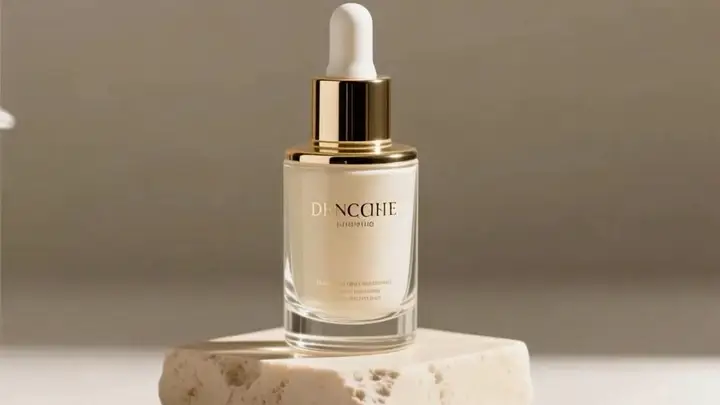
Begin with the product’s initial frame, preserve the bottle design and label exactly as they appear, add a slow orbital camera movement, soft mist drift, crisp glass reflections, premium skincare commercial pacing, and a subtle atmospheric audio track
A sparkling canned beverage spins on a reflective tabletop, bright studio lighting, upbeat commercial tone, concise premium promo clip
A composed business leader turns from a city view toward the camera as morning light crosses the office. Subtle push-in, natural expression, stable suit details, restrained corporate-film tone, 16:9.
Two championship skaters accelerate into a synchronized lift and clean landing inside a bright indoor arena, smooth telephoto tracking shot with one gentle crane rise, glittering ice reflections, crowd swell, polished sports-film finish
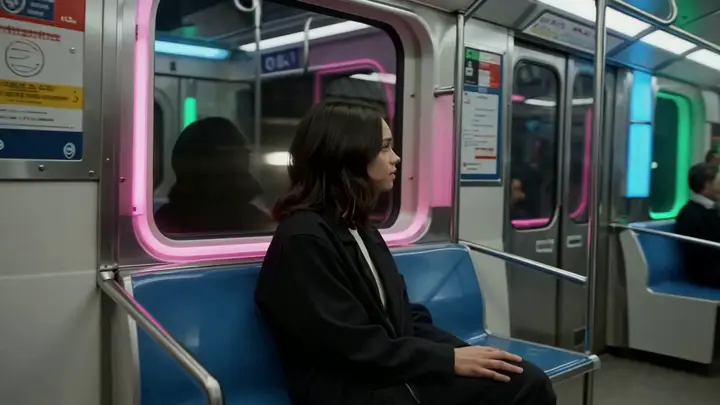
Inside a late-night subway car, a commuter steadies herself as the train changes speed. Keep her identity, coat, windows, and carriage layout stable. Gentle side tracking, fluorescent reflections, rail noise and quiet city ambience, 16:9.
Every clip is an ImageMake workflow example produced with a model available in this workspace. They illustrate what this task loop can deliver, not the output of any other product.
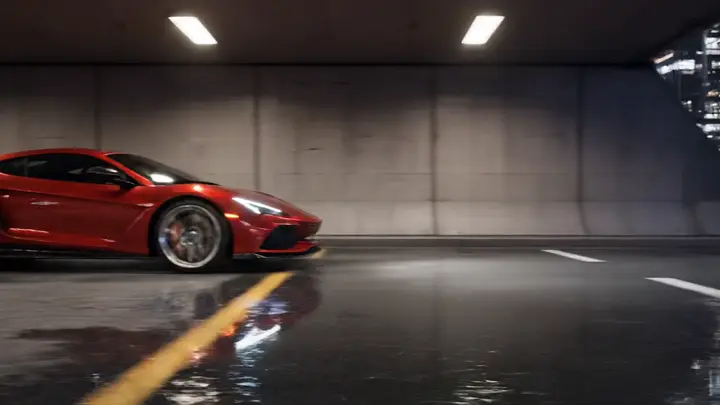
Turn a product still into a short reveal with a restrained camera move and stable background.
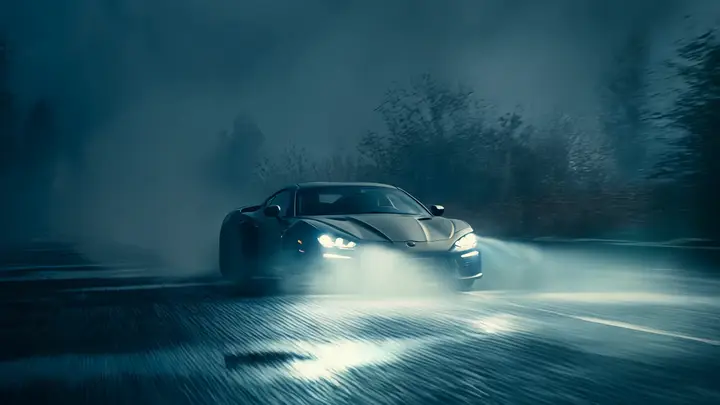
Add a subtle gesture or environmental movement while preserving the person and composition.
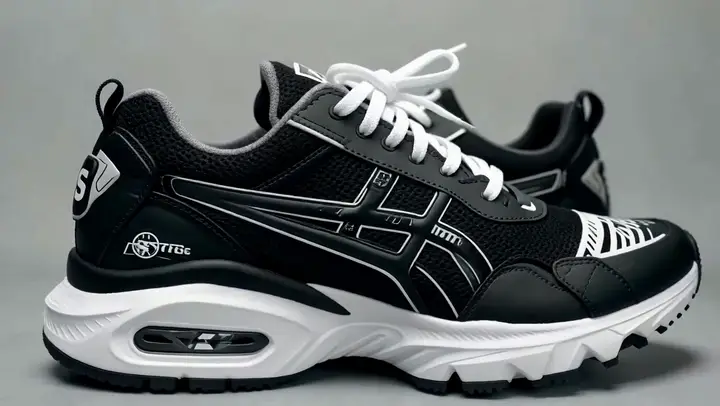
Animate water, clouds, fabric, or light in a still location photo without changing the scene.
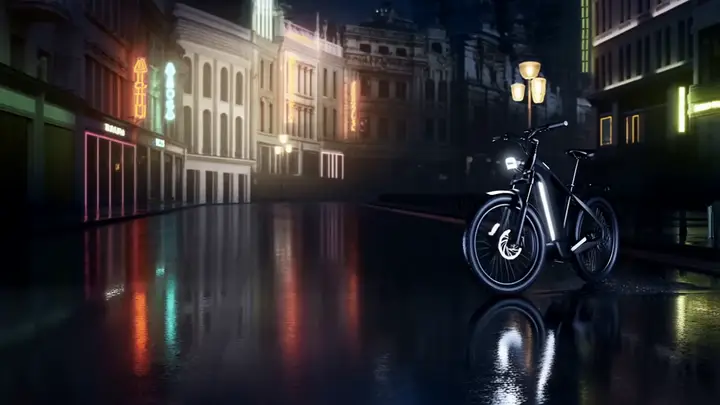
Create a compact motion beat from a campaign still for a social post or storyboard.
Review any new creation separately from the fixed reference. Export and specialist post-production steps must follow the active workspace’s visible terms and capabilities.
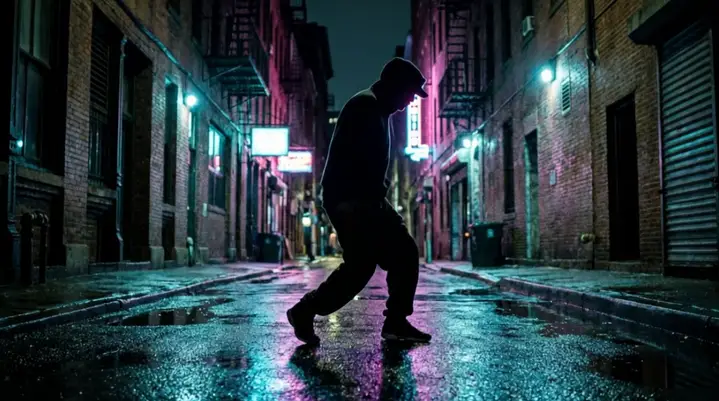
It is the right path when you want an uploaded still image to anchor the first frame of the clip.
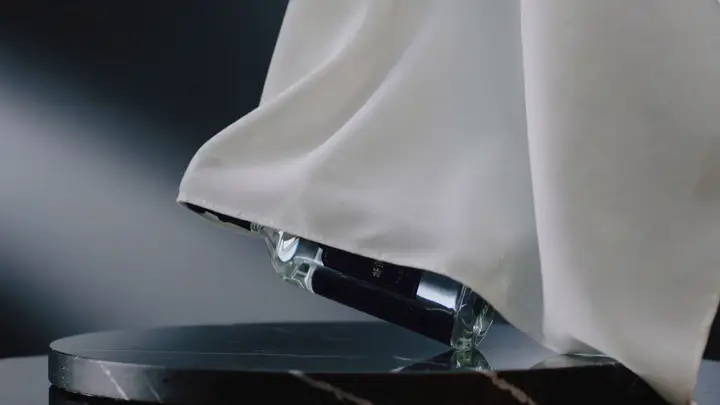
Use a text-led workflow when you do not need to preserve a particular source photo or composition.