
ImageMake
  • Create
  • AI Image
    • Open Image WorkspaceCreate or edit images with all supported models
    • GPT Image 2NewOpenAI image generation and reference-guided editing
    • Nano Banana 2NewFast Google image generation with multi-reference editing
    • Nano Banana ProHigh-fidelity Google image generation and editing
    • Nano Banana FlashFast, efficient image generation and editing
    • Seedream 5.0NewHigh-detail creative image generation
    • Flux 2Flexible generation and reference-based editing
    • Qwen Image 2Versatile image generation with strong text rendering
    • Z-ImageFast open-weight image generation
    • Qwen Image 3NewStructured prompts, multilingual text, and rich visual detail
    • SeaArt AIExplore a clearly labeled SeaArt AI compatibility workflow on ImageMake.
    • Canva AIExplore a clearly labeled Canva AI compatibility workflow on ImageMake.
    • Leonardo AIExplore a clearly labeled Leonardo AI compatibility workflow on ImageMake.
    • Lovart AIExplore a clearly labeled Lovart AI compatibility workflow on ImageMake.
  • AI Video
    • Open Video WorkspaceCreate videos with all currently connected models
    • MiniMax H3NewExplore MiniMax H3 workflows, prompts, and video creation techniques
    • InVideo AIExplore a clearly labeled InVideo AI compatibility workflow on ImageMake.
    • VEED AIExplore a clearly labeled VEED AI compatibility workflow on ImageMake.
    • Vidu AIExplore a clearly labeled Vidu AI compatibility workflow on ImageMake.
    • DeeVid AIExplore a clearly labeled DeeVid AI compatibility workflow on ImageMake.
    • Sora AIExplore a clearly labeled Sora AI compatibility workflow on ImageMake.
    • Qwen AI VideoExplore a clearly labeled Qwen AI Video compatibility workflow on ImageMake.
  • Tools
  • Pricing
English
  • English
  • 中文
  • 日本語
  • 한국어
  • Español
  • العربية
  • 繁體中文
ImageMake
I2 · Compatibility explorer

Leonardo AI Image Generator Workflow on ImageMake

Searching for Leonardo AI image-generator workflows? Plan a distinctive concept or campaign visual, then create and review the image in ImageMake.

Compatibility workflow · run on ImageMake
Run here

Use the same brief in an available ImageMake workspace.

Use the live work order on the left and one fixed showcase result on the right.

Describe the image you want to generate

Generate 1 images · 18 credits total

Compatibility page: Leonardo AI is the topic, while the live ImageMake AI Image Generator runs Nano Banana 2. Fixed visuals are user-approved public showcase media used only to illustrate the template; prompt cards are ImageMake workflow examples. Neither is presented as output from Leonardo AI. This is an ImageMake compatibility workflow, not a Leonardo AI runtime. Fixed visuals are user-approved public showcase media for template illustration; they are neither Leonardo AI nor ImageMake outputs.
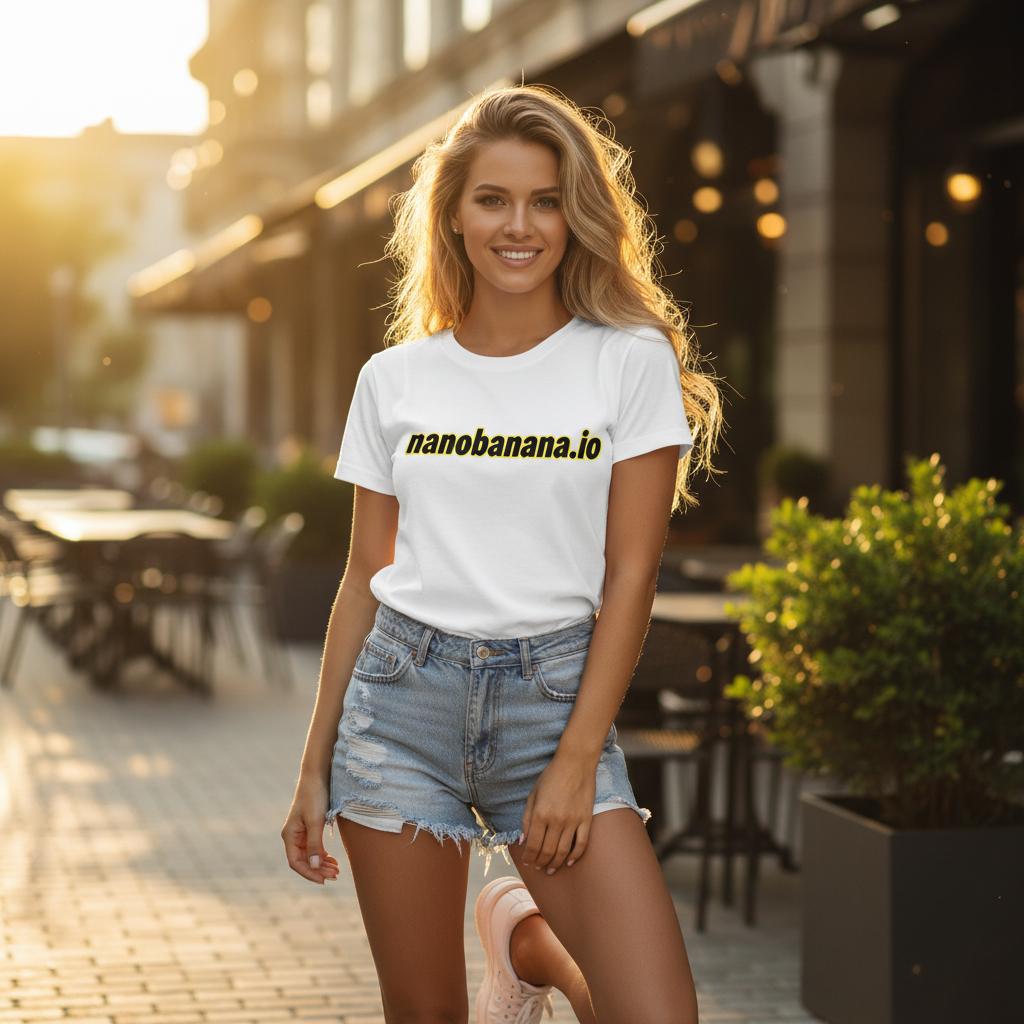
Public Nano Banana demo image used in the compatibility explorer

Target

Leonardo AI

Search intent and workflow context for the target name. This page does not claim to run it.

Runs here

ImageMake workspace

Compatibility page: Leonardo AI is the topic, while the live ImageMake AI Image Generator runs Nano Banana 2. Fixed visuals are user-approved public showcase media used only to illustrate the template; prompt cards are ImageMake workflow examples. Neither is presented as output from Leonardo AI. This is an ImageMake compatibility workflow, not a Leonardo AI runtime. Fixed visuals are user-approved public showcase media for template illustration; they are neither Leonardo AI nor ImageMake outputs.
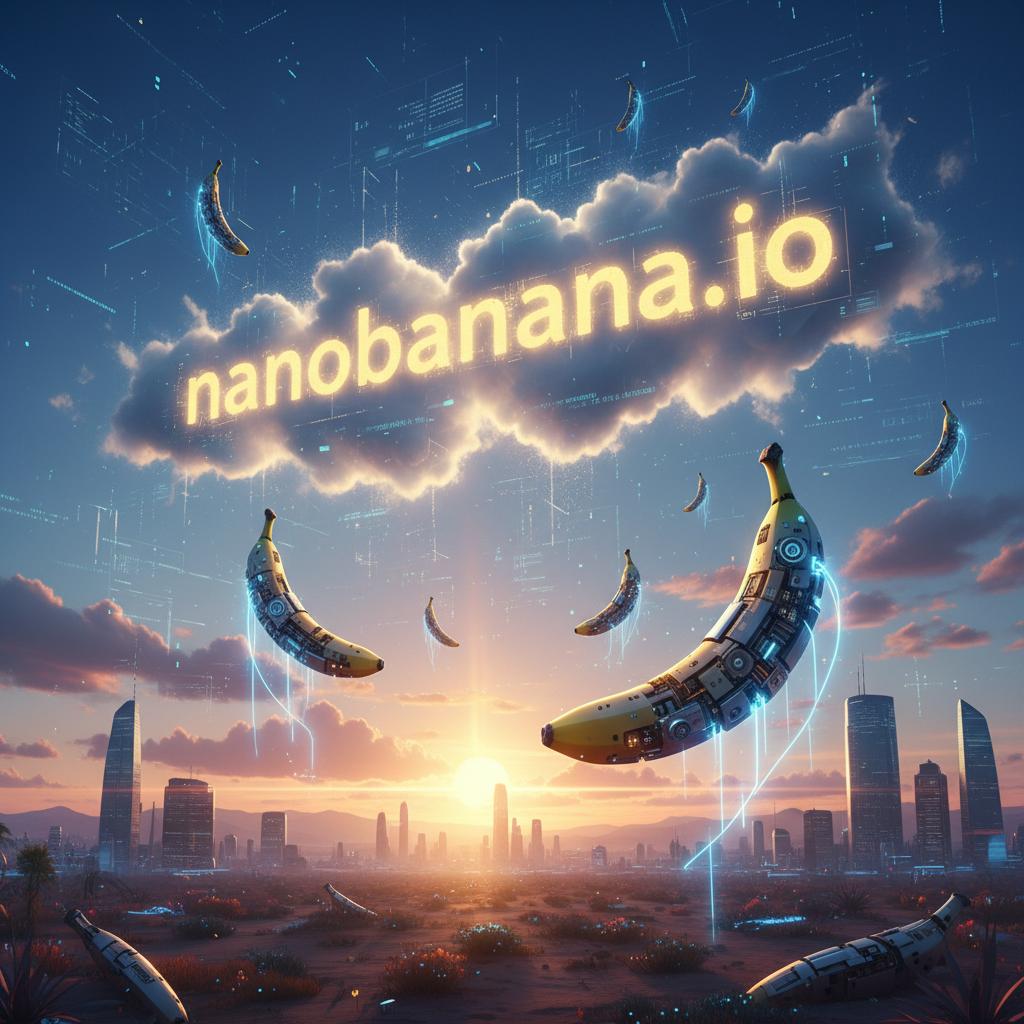
Inspired output

A second example with clear provenance.

Public Nano Banana demo image used in the compatibility explorer

Public showcase image · user-approved direct use

Structured explainer

A public showcase image staged for workflow review.

Useful next steps

Keep the compatibility decision visible.

Use ImageMake to execute this brief

Choose ImageMake when you want the active generation and prompt iteration to happen in this workspace.

Start with one reviewable frame

Start with a single scene or campaign image before expanding a concept into a broader asset set.

FAQ

Common questions

Is Leonardo AI the execution model for this page?

No. This page is a Leonardo AI-oriented compatibility workflow, while the live image creation step runs in ImageMake.

Are the examples on this page from Leonardo AI?

No. Fixed visuals are user-approved public showcase media used for template illustration, and prompt cards are ImageMake workflow examples. Neither is presented as Leonardo AI output.

What makes a concept-art brief easier to review?

Keep the first brief focused on one subject, one setting, one viewpoint, and one lighting direction.

How should I revise a first result?

Compare it to the brief and change the most important missing constraint first, such as composition, material, light, or scale.

Related ImageMake pages

SeaArt AI Image Generator Workflow on ImageMake

Plan a SeaArt AI-oriented image brief, then create the image in the ImageMake AI Image Generator with a transparent compatibility workflow.

Canva AI Image Generator Workflow on ImageMake

Turn Canva AI-oriented design-image ideas into a clear ImageMake prompt and generate the image in an openly disclosed compatibility workflow.

Lovart AI Image Generator Workflow on ImageMake

Turn a Lovart AI-oriented design-agent image brief into a practical ImageMake generation workflow with transparent runtime disclosure.

Resources
  • Create
  • Pricing
  • Image to Prompt
  • Batch Image to Prompt
Company & Legal
  • About
  • Contact
  • Privacy Policy
  • Terms of Service
  • Refund Policy
AI Image
  • Nano Banana Pro
  • Nano Banana 2
  • GPT-4o
  • Seedream 4.5
  • Seedream 4.0
  • Flux 2 Pro
  • Flux 2
  • Qwen Image 2
  • Z-Image
  • NanoBanana Flash
  • Qwen Image 3
ImageMake

ImageMake.pro | AI Image Generation and Editing Workspace

[email protected]

This website is an independent third-party platform. We are not affiliated with, endorsed by, or officially representing any AI model providers referenced on this site. All trademarks and brand names belong to their respective owners.

© 2026 ImageMake.pro. All rights reserved.

Privacy Policy