
ImageMake
  • Crear
  • Imagen con IA
    • Abrir espacio de imágenesCrea o edita imágenes con todos los modelos compatibles
    • GPT Image 2NuevoGeneración de OpenAI y edición guiada por referencias
    • Nano Banana 2NuevoGeneración rápida de Google con edición multirreferencia
    • Nano Banana ProGeneración y edición de Google en alta fidelidad
    • Nano Banana FlashGeneración y edición rápidas y eficientes
    • Seedream 5.0NuevoGeneración creativa con gran nivel de detalle
    • Flux 2Generación flexible y edición basada en referencias
    • Qwen Image 2Generación versátil con excelente representación de texto
    • Z-ImageGeneración rápida con pesos abiertos
    • Qwen Image 3NuevoPrompts estructurados, texto multilingüe y gran detalle visual
    • SeaArt AIExplore image ideas, prompt patterns, and a live ImageMake workflow for SeaArt AI.
    • Canva AIExplore image ideas, prompt patterns, and a live ImageMake workflow for Canva AI.
    • Leonardo AIExplore image ideas, prompt patterns, and a live ImageMake workflow for Leonardo AI.
    • Lovart AIExplore image ideas, prompt patterns, and a live ImageMake workflow for Lovart AI.
  • Video con IA
    • Abrir espacio de videoCrea videos con todos los modelos conectados actualmente
    • MiniMax H3NuevoExplora los flujos, prompts y formas de creación de video de MiniMax H3
    • InVideo AIExplore shot ideas, prompt patterns, and a live ImageMake workflow for InVideo AI.
    • VEED AIExplore shot ideas, prompt patterns, and a live ImageMake workflow for VEED AI.
    • Vidu AIExplore shot ideas, prompt patterns, and a live ImageMake workflow for Vidu AI.
    • DeeVid AIExplore shot ideas, prompt patterns, and a live ImageMake workflow for DeeVid AI.
    • Sora AIExplore shot ideas, prompt patterns, and a live ImageMake workflow for Sora AI.
    • Qwen AI VideoExplore shot ideas, prompt patterns, and a live ImageMake workflow for Qwen AI Video.
  • Herramientas
  • Precios
Español
  • English
  • 中文
  • 日本語
  • 한국어
  • Español
  • العربية
  • 繁體中文
ImageMake
AI image workflow

Leonardo AI Image Generator Workflow on ImageMake

Searching for Leonardo AI image-generator workflows? Plan a distinctive concept or campaign visual, then create and review the image in ImageMake.

Create with ImageMake

Turn the brief into a reviewable image.

Use the live work order on the left and one fixed showcase reference on the right.

Describa la imagen que desea generar

Generar 1 imágenes · 18 créditos en total

Generation model: Nano Banana 2.
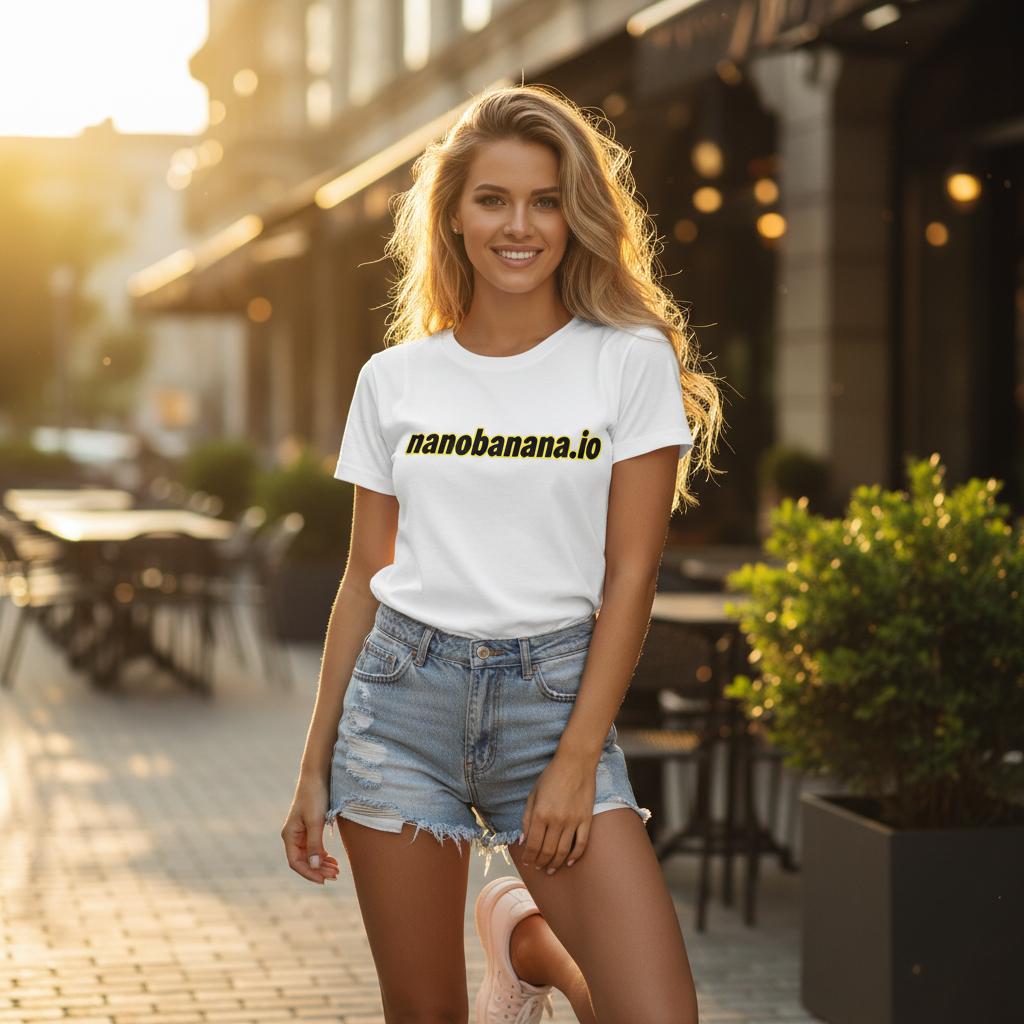
Public showcase image used in the visual workflow
Fixed showcase reference
Creative direction

Explore another visual approach.

Public showcase image used in the visual workflow

Showcase reference

Structured explainer

A public showcase image staged for workflow review.

Useful next steps

Choose a practical next step.

Use ImageMake to execute this brief

Choose ImageMake when you want the active generation and prompt iteration to happen in this workspace.

Start with one reviewable frame

Start with a single scene or campaign image before expanding a concept into a broader asset set.

FAQ

Common questions

What makes a Leonardo AI-style concept brief clear?

Keep the first brief focused on one subject, one setting, one viewpoint, and one lighting direction.

How should I use the visual examples?

Use them to evaluate scene structure, art direction, materials, and lighting before adapting the prompt to your own concept.

What makes a concept-art brief easier to review?

Keep the first brief focused on one subject, one setting, one viewpoint, and one lighting direction.

How should I revise a first result?

Compare it to the brief and change the most important missing constraint first, such as composition, material, light, or scale.

Related ImageMake pages

SeaArt AI Image Generator Workflow on ImageMake

Plan a SeaArt AI-oriented image brief, then create and refine a focused visual with the ImageMake AI Image Generator.

Canva AI Image Generator Workflow on ImageMake

Turn Canva AI-oriented design-image ideas into a clear ImageMake prompt and generate a layout-ready visual.

Lovart AI Image Generator Workflow on ImageMake

Turn a Lovart AI-oriented design-agent brief into a practical ImageMake workflow for a reviewable visual.

Recursos
  • Crear
  • Precios
  • Imagen a Prompt
  • Imágenes por lotes a Prompt
Empresa & Legal
  • Acerca de
  • Contacto
  • Política de privacidad
  • Términos del servicio
  • Política de reembolso
Imagen con IA
  • Nano Banana Pro
  • Nano Banana 2
  • GPT-4o
  • Seedream 4.5
  • Seedream 4.0
  • Flux 2 Pro
  • Flux 2
  • Qwen Image 2
  • Z-Image
  • NanoBanana Flash
  • Qwen Image 3
ImageMake

ImageMake.pro | Espacio de generación y edición de imágenes con IA

[email protected]

Este sitio web es una plataforma independiente de terceros. No estamos afiliados, respaldados ni representamos oficialmente a ningún proveedor de modelos de IA mencionado en este sitio. Todas las marcas comerciales y nombres de marca pertenecen a sus respectivos propietarios.

© 2026 ImageMake.pro. Todos los derechos reservados.

Política de privacidad