
01
Outline one script beat
Write one subject, one action, and one intended viewer takeaway.
Turn a short script idea into a clear shot brief, then create and review the clip in ImageMake.
Recent ImageMake video workflow examples
Generate 1 video · 40 credits total
Generation model: Google Veo 3.1 Fast.
Three passes from a written idea to a clip you can judge.
Write one subject, one action, and one intended viewer takeaway.
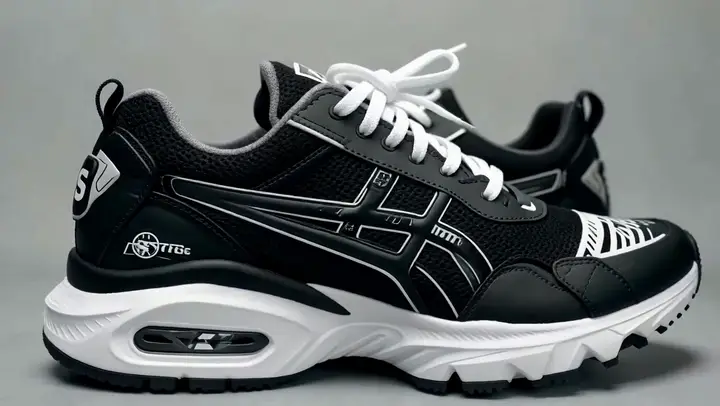
Name the setting, camera relationship, and visual finish in one compact brief.

Use the ImageMake video workspace to create and review a focused first clip.
Each case turns a video idea into a focused ImageMake prompt structure, paired with the clip it belongs to.
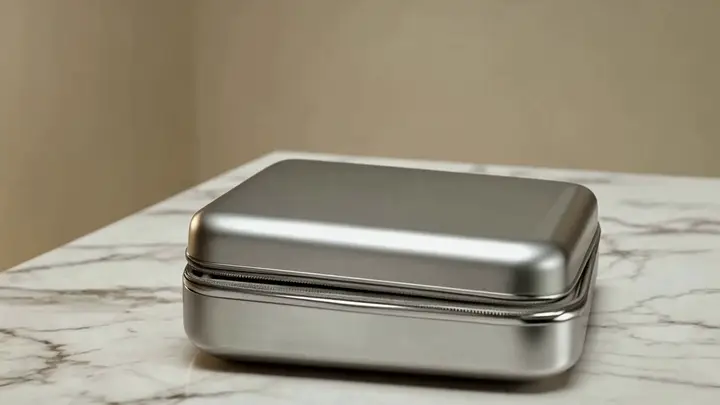
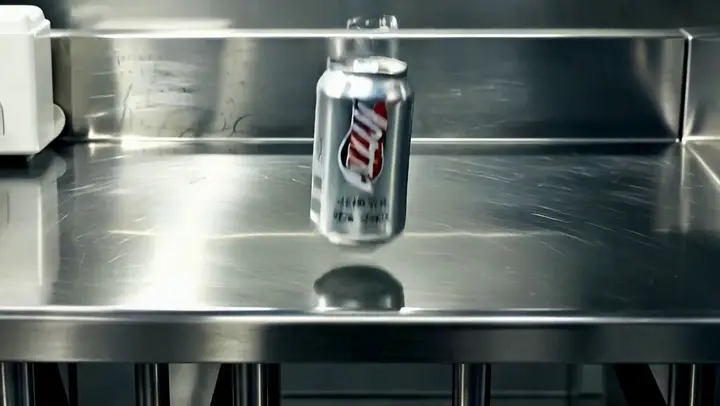
One product enters frame, completes one visible action, and holds in a clean studio setting. Keep the camera stable and the ending usable for a short edit.
Output goal: An original source clip for a separate editing workflow.
Keep the main subject and composition stable. Add one restrained gesture and a slow side camera move. Preserve the environment and finish on a clean frame.
Output goal: A controlled starting point for a reference-led concept.
Open any clip to watch it, then reuse its prompt structure in the generator above.
Two friends walk through a crowded neon night market, one stops and looks back with a worried smile while the other keeps moving, shoulder-level tracking shot, warm food stall light, steam, street chatter, passing scooters, intimate cinematic drama mood
A metal press descends onto a clear glass vessel in a controlled laboratory shot. Use the opening frame for geometry and the final frame for the fractured state, with physically coherent cracks and debris, 16:9.
Use the provided frame as the opening shot, add a slow, controlled push-in, subtle environmental motion, preserve subject identity and premium studio framing
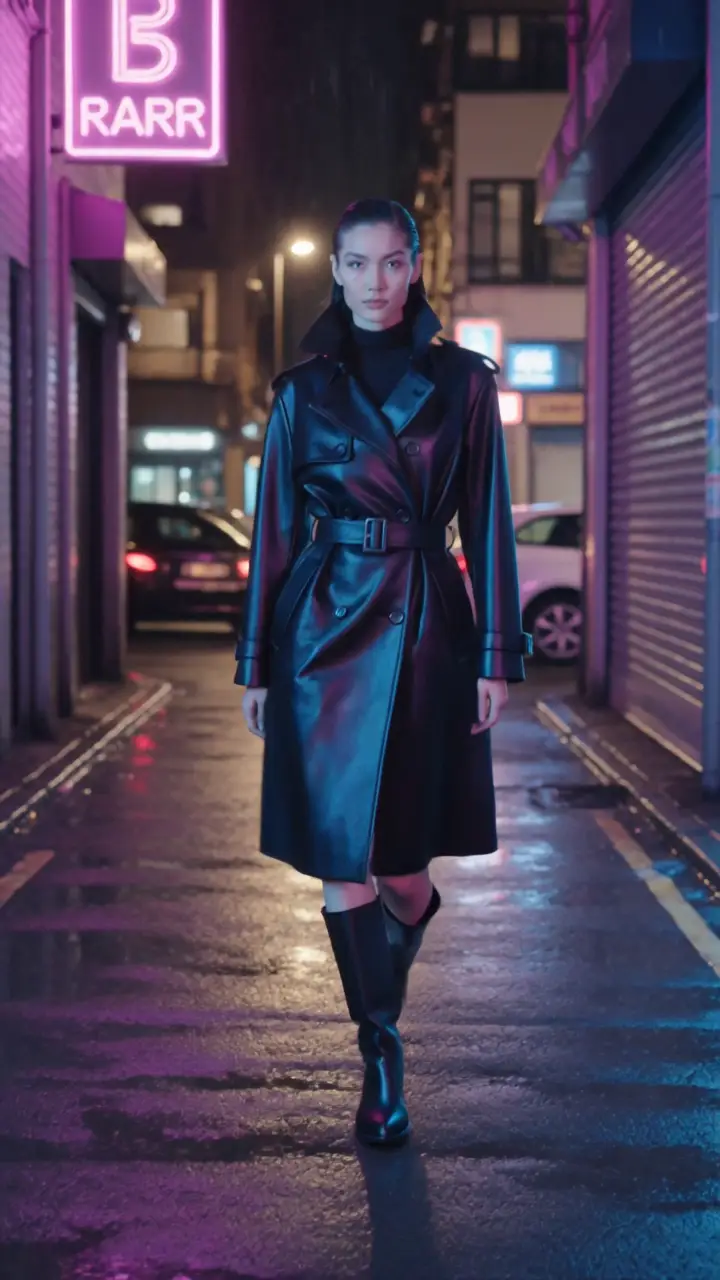
A fashion model walks through a neon city corridor and meets the camera at the final beat. Preserve face and coat details, smooth backward tracking, wet-street reflections, editorial pacing, vertical 9:16.
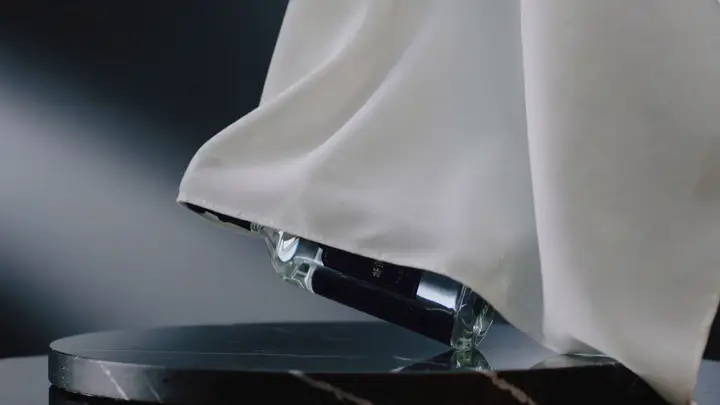
Luxury skincare bottle atop a marble pedestal, slow orbital camera movement, soft studio reflections, crisp glass highlights, curated high-end commercial aesthetic
Two championship skaters accelerate into a synchronized lift and clean landing inside a bright indoor arena, smooth telephoto tracking shot with one gentle crane rise, glittering ice reflections, crowd swell, polished sports-film finish
Inside a late-night subway car, a commuter steadies herself as the train changes speed. Keep her identity, coat, windows, and carriage layout stable. Gentle side tracking, fluorescent reflections, rail noise and quiet city ambience, 16:9.
A composed business leader turns from a city view toward the camera as morning light crosses the office. Subtle push-in, natural expression, stable suit details, restrained corporate-film tone, 16:9.
Every clip is an ImageMake workflow example produced with a model available in this workspace. They illustrate prompt structure, not the output of any other product.

Turn one product message into a single readable video beat.
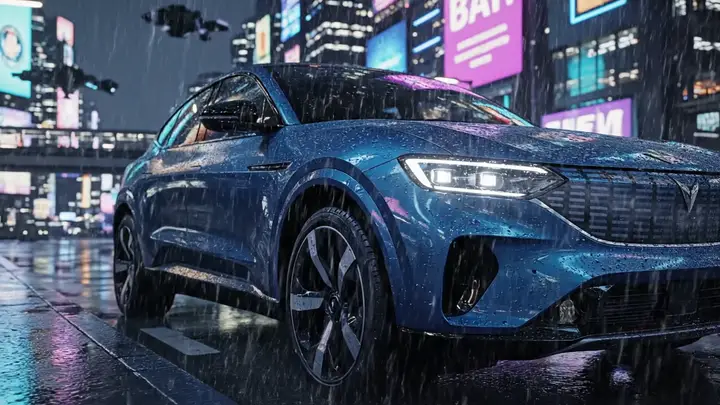
Sketch a visual opening before expanding a longer script elsewhere.
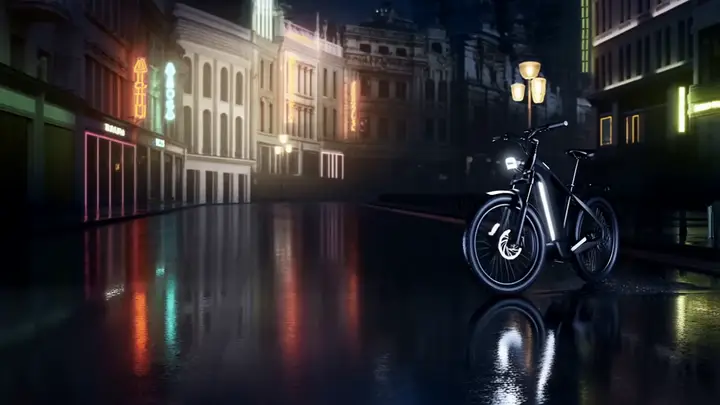
Plan a concise hook with one subject and a usable final hold.
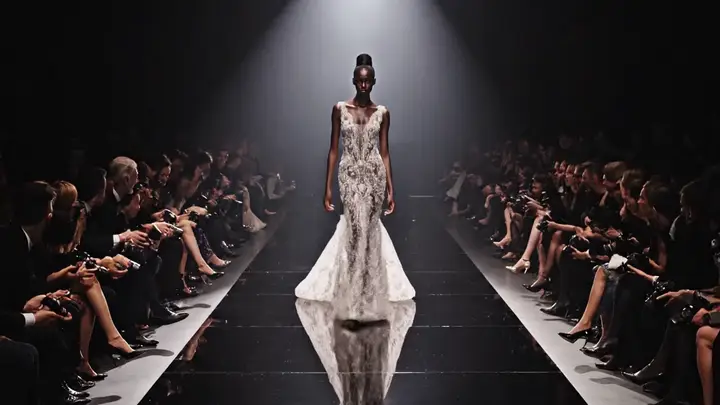
Test whether a written beat reads clearly as a moving shot.
Choose it when you need to turn a small written idea into one clearly described shot.
Choose a dedicated editor when your next step requires timeline assembly or delivery management.