

01
Identify stable reference cues
List the subject, composition, and details that should remain consistent.
Use a reference-led planning method to define what should stay stable, what should move, and how the ImageMake clip should finish.
Recent ImageMake video workflow examples

Generate 1 video · 40 credits total
Generation model: Google Veo 3.1 Fast.
Three passes from a written idea to a clip you can judge.
List the subject, composition, and details that should remain consistent.
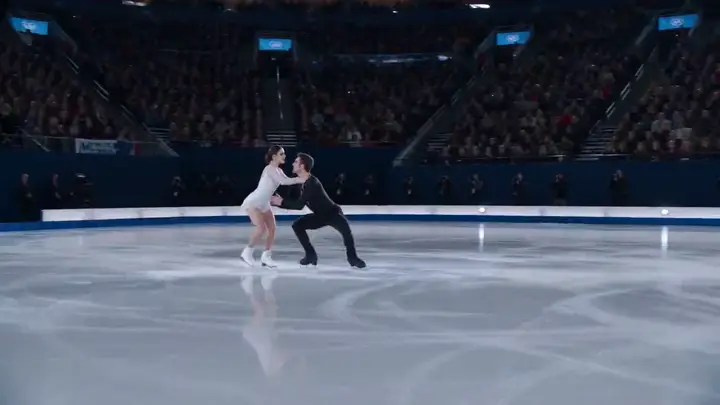
Specify a single subject action and one camera relationship.
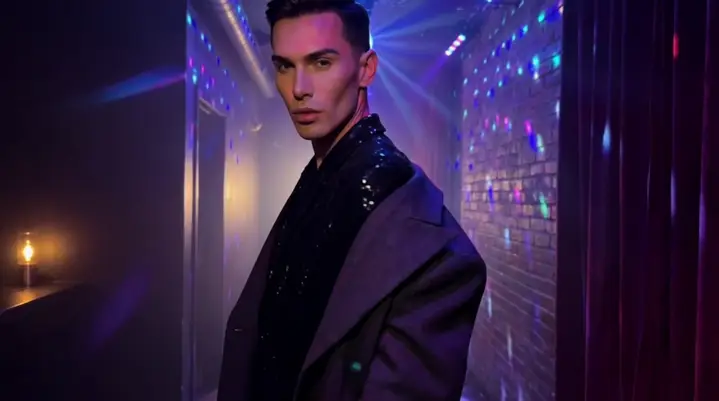
Generate a focused version, then inspect stability and motion before iterating.
Each case turns a video idea into a focused ImageMake prompt structure, paired with the clip it belongs to.
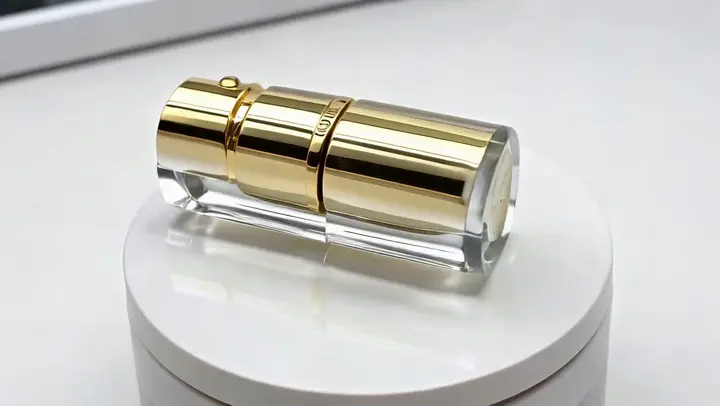
One product enters frame, completes one visible action, and holds in a clean studio setting. Keep the camera stable and the ending usable for a short edit.
Output goal: An original source clip for a separate editing workflow.
Keep the main subject and composition stable. Add one restrained gesture and a slow side camera move. Preserve the environment and finish on a clean frame.
Output goal: A controlled starting point for a reference-led concept.
Open any clip to watch it, then reuse its prompt structure in the generator above.
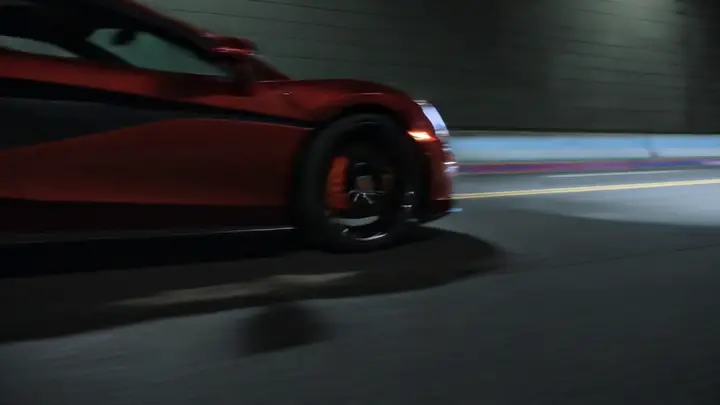
A glossy scarlet sports coupe bursts out of a shadowed tunnel onto glistening city reflections, sharp forward momentum, low-angle tracking shot, wet asphalt glints, cinematic engine roar, luxury automotive commercial finish
A young woman seated in a neon-lit subway car turns toward the camera to deliver one short line, with subtle head movement, a cinematic handheld push-in shot, realistic train ambiance, soft car hum, and natural voice synchronization
A high-end luxury watch rotates slowly within a dim studio, with a controlled arc camera movement, soft specular highlights, and a precise premium product-film finish
A chilled beverage can lands upright in a shallow sheet of water, sending one clean circular splash outward. High-speed commercial camera, stable can design, stainless-steel background, crisp impact sound, 16:9.
An athlete runs along a rooftop track at sunset with the skyline behind him. Smooth side tracking, grounded footfalls, consistent body motion, wind in clothing, warm rim light and a decisive final stride, 16:9.
Follow two friends through a crowded night market as they weave past food stalls and glowing signs. Shoulder-height tracking shot, believable crowd reactions, warm steam, layered street ambience, natural conversational pacing, 16:9.
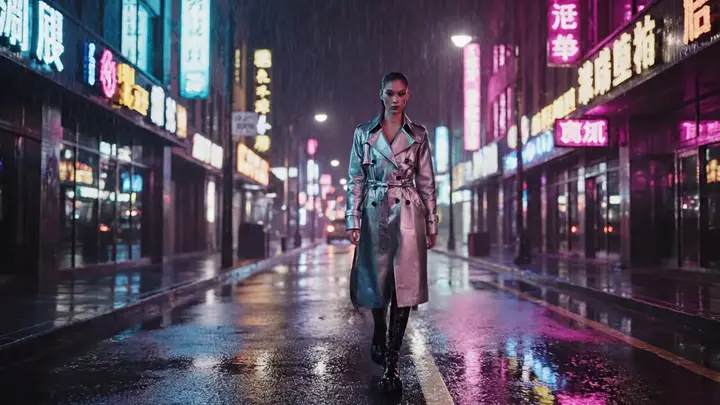
Use the provided frame as the opening shot, add a slow, controlled push-in, subtle environmental motion, preserve subject identity and premium studio framing
A cyclist accelerates along a wet city lane at night. Track beside the bicycle at street level, keep wheel geometry stable, show light spray from the tires, realistic traffic reflections and a clear ending beat, 16:9.
Every clip is an ImageMake workflow example produced with a model available in this workspace. They illustrate prompt structure, not the output of any other product.
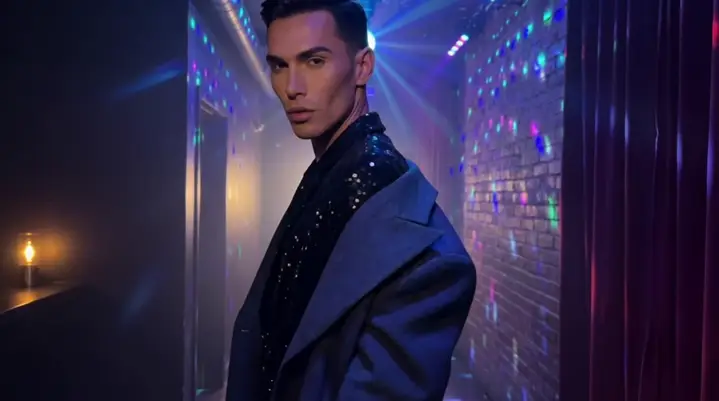
Keep a product and its setting clear while testing one action.
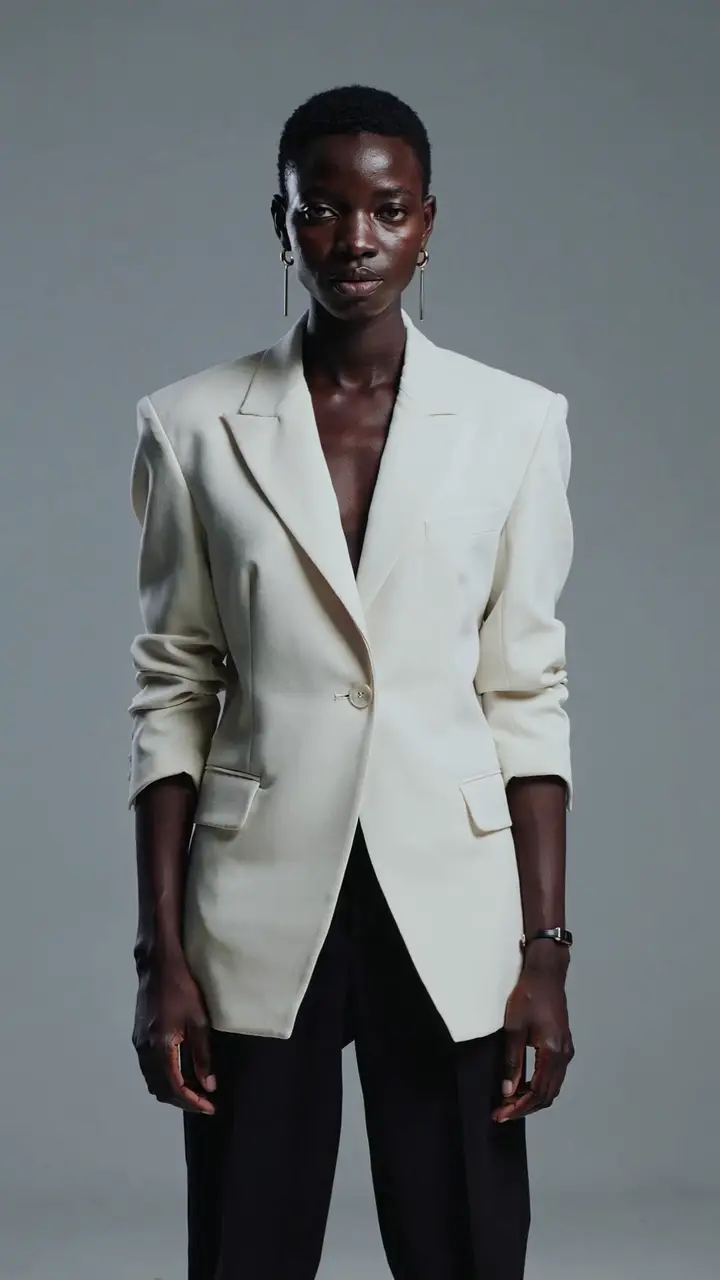
Plan a restrained gesture in a stable visual environment.
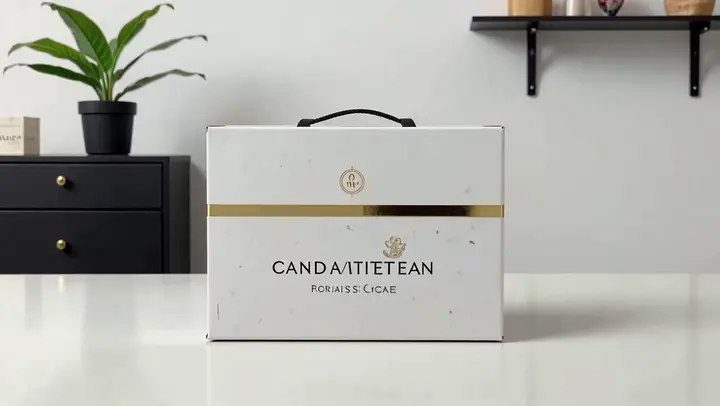
Translate a visual direction into one concise moving shot.
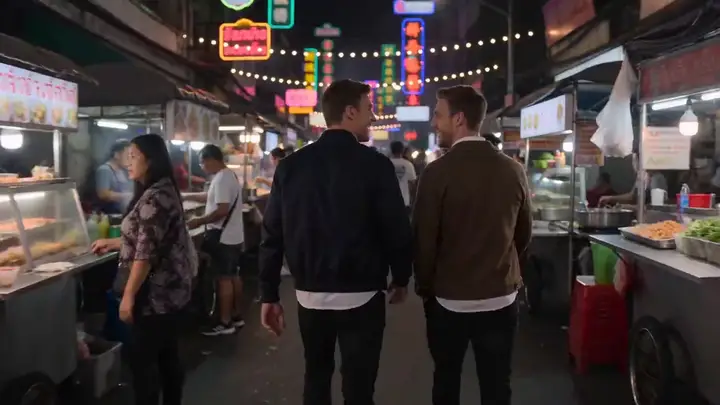
Assess whether the main subject and camera direction stay readable.

Choose it when preserving a few clear visual cues matters more than adding many actions.
Break a multi-scene concept into separate prompts when more than one action competes for attention.