
ImageMake
  • Crear
  • Imagen con IA
    • Abrir espacio de imágenesCrea o edita imágenes con todos los modelos compatibles
    • GPT Image 2NuevoGeneración de OpenAI y edición guiada por referencias
    • Nano Banana 2NuevoGeneración rápida de Google con edición multirreferencia
    • Nano Banana ProGeneración y edición de Google en alta fidelidad
    • Nano Banana FlashGeneración y edición rápidas y eficientes
    • Seedream 5.0NuevoGeneración creativa con gran nivel de detalle
    • Flux 2Generación flexible y edición basada en referencias
    • Qwen Image 2Generación versátil con excelente representación de texto
    • Z-ImageGeneración rápida con pesos abiertos
    • Qwen Image 3NuevoPrompts estructurados, texto multilingüe y gran detalle visual
    • SeaArt AIExplore image ideas, prompt patterns, and a live ImageMake workflow for SeaArt AI.
    • Canva AIExplore image ideas, prompt patterns, and a live ImageMake workflow for Canva AI.
    • Leonardo AIExplore image ideas, prompt patterns, and a live ImageMake workflow for Leonardo AI.
    • Lovart AIExplore image ideas, prompt patterns, and a live ImageMake workflow for Lovart AI.
  • Video con IA
    • Abrir espacio de videoCrea videos con todos los modelos conectados actualmente
    • MiniMax H3NuevoExplora los flujos, prompts y formas de creación de video de MiniMax H3
    • InVideo AIExplore shot ideas, prompt patterns, and a live ImageMake workflow for InVideo AI.
    • VEED AIExplore shot ideas, prompt patterns, and a live ImageMake workflow for VEED AI.
    • Vidu AIExplore shot ideas, prompt patterns, and a live ImageMake workflow for Vidu AI.
    • DeeVid AIExplore shot ideas, prompt patterns, and a live ImageMake workflow for DeeVid AI.
    • Sora AIExplore shot ideas, prompt patterns, and a live ImageMake workflow for Sora AI.
    • Qwen AI VideoExplore shot ideas, prompt patterns, and a live ImageMake workflow for Qwen AI Video.
  • Herramientas
  • Precios
Español
  • English
  • 中文
  • 日本語
  • 한국어
  • Español
  • العربية
  • 繁體中文
ImageMake
Recursos
  • Crear
  • Precios
  • Imagen a Prompt
  • Imágenes por lotes a Prompt
Empresa & Legal
  • Acerca de
  • Contacto
  • Política de privacidad
  • Términos del servicio
  • Política de reembolso
Imagen con IA
  • Nano Banana Pro
  • Nano Banana 2
  • GPT-4o
  • Seedream 4.5
  • Seedream 4.0
  • Flux 2 Pro
  • Flux 2
  • Qwen Image 2
  • Z-Image
  • NanoBanana Flash
  • Qwen Image 3
ImageMake

ImageMake.pro | Espacio de generación y edición de imágenes con IA

[email protected]

Este sitio web es una plataforma independiente de terceros. No estamos afiliados, respaldados ni representamos oficialmente a ningún proveedor de modelos de IA mencionado en este sitio. Todas las marcas comerciales y nombres de marca pertenecen a sus respectivos propietarios.

© 2026 ImageMake.pro. Todos los derechos reservados.

Política de privacidad
Functional tool

Video Enhancer AI: Generate a Cleaner Source Clip

Plan a simple, controlled source clip with clean lighting and steady motion before taking it to a dedicated video enhancement workflow.

Workspace

Task controls with a fixed reference

The workspace is intentionally direct: supply the task input, set only controls that affect the result, and use the fixed reference as visual guidance.

Ingrese texto, describa el contenido, el movimiento... (ej: Un niño en 3D patinando en el parque.)

Generar 1 vídeo · 40 créditos en total

Generation model: Google Veo 3.1 Fast. Creates a new source clip; it does not enhance an uploaded video.
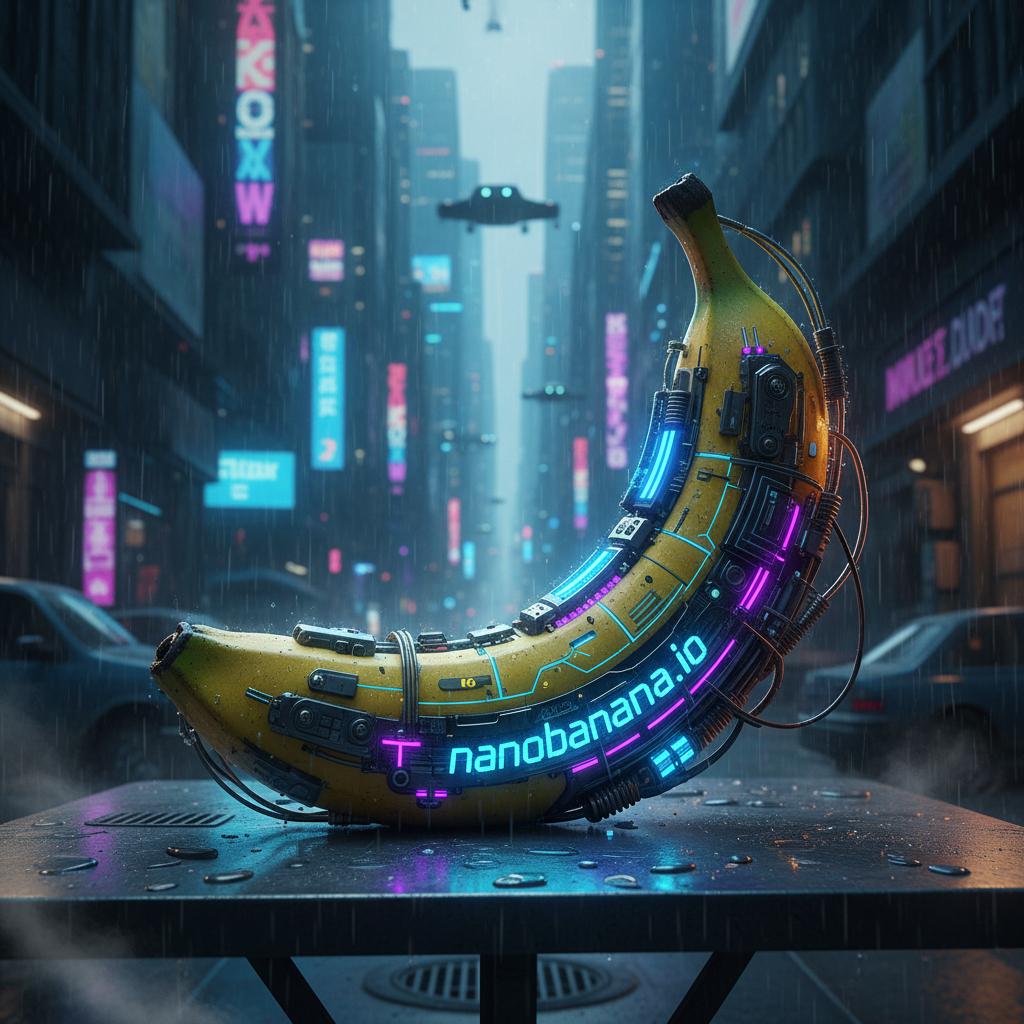
Public Nano Banana task workspace reference
Fixed showcase reference
Three steps

A deliberate path

Use these steps as a planning sequence, then adapt the details to the active workspace.

Simplify the source brief

Choose one subject, clean light, a plain setting, and one controlled movement.

Generate a new source clip

Create a fresh clip in the current workspace instead of uploading an existing video for repair.

Enhance in a dedicated tool

Export the source clip and use a specialist editor if you need upscaling, restoration, or denoising.

Task examples

Plan a focused result

Public Nano Banana task workspace reference

Public task-workspace reference

Harvested public workspace reference for task-first composition review.

Motion review

A local review-stage workflow visual.

Focused motion brief

Preserve a clear subject, add one controlled action and one gentle camera movement, keep the background stable, and end on a clean hold.

Output goal: A reviewable new source clip.

Review and export

Check before the next editing step

Review any new creation separately from the fixed reference. Export and specialist post-production steps must follow the active workspace’s visible terms and capabilities.

Use this page to generate a cleaner starting clip

It can help create a simple new source video with controlled composition and motion.

Choose a dedicated enhancer for existing footage

Use a specialist tool when you need to upload, upscale, restore, denoise, or repair an existing video.

FAQ

Common questions

Can I upload a video here to enhance it?

No. This workspace does not accept an existing video for enhancement, restoration, repair, denoising, or upscaling.

Does this page upscale or restore video?

No. It generates a new source clip with Google Veo 3.1 Fast and does not perform enhancement on footage you already have.

What can I do here instead?

You can create a simple new clip with clean lighting, limited movement, and a stable camera brief.

When should I use a dedicated video enhancer?

Use one when your goal is to change the quality of an existing file, such as upscaling, restoration, denoising, or repair.

Related ImageMake pages

AI Photo to Video Generator

Upload a photo as the first frame, describe the motion, and generate a short AI video with ImageMake’s integrated photo-to-video workflow.

Qwen AI Video Generator Guide

Use ImageMake’s AI video workspace to structure Qwen video ideas with focused prompt guidance and reusable shot briefs.

Sora AI Video Generator Workflow

Plan Sora-style AI video ideas with ImageMake’s video workspace, focused prompt guidance, and reusable shot briefs.